
How to use this information: Check the whole route is most useful when it is read with location, update time and the surrounding forecast rather than treated as an isolated number. For everyday planning, compare the current value with the next few hours. When safety is involved, confirm conditions with the responsible meteorological or public-safety authority.
What not to assume: A consumer forecast simplifies a changing atmosphere. Weather for driving: a practical pre-trip checklist should support a decision, not create false precision about an exact street, exact minute or guaranteed outcome.
Check the whole route
A route can cross different weather zones, elevations and storm cells. Looking only at the departure city may miss conditions later in the journey.
For longer trips, check major points along the route and any official road or flood notices.
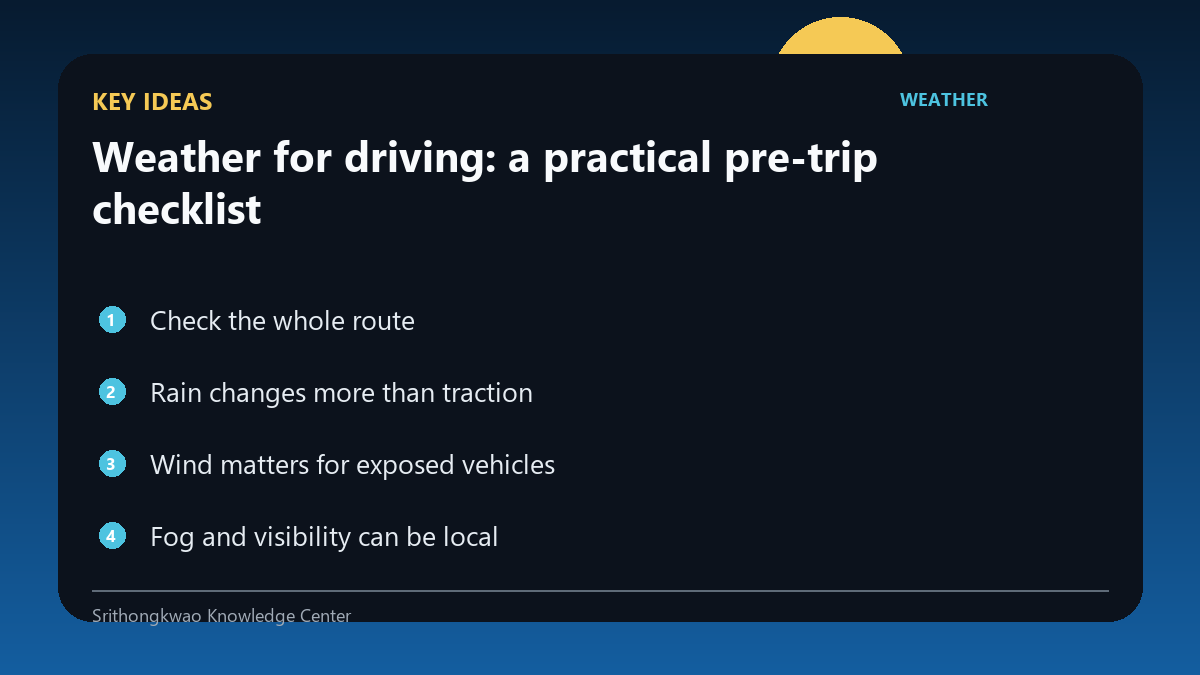
Rain changes more than traction
Heavy rain can reduce visibility, create spray, conceal road markings and contribute to standing water. Rainfall amount alone does not describe the road surface.
Use the forecast to anticipate problems, then drive according to actual conditions and road law.
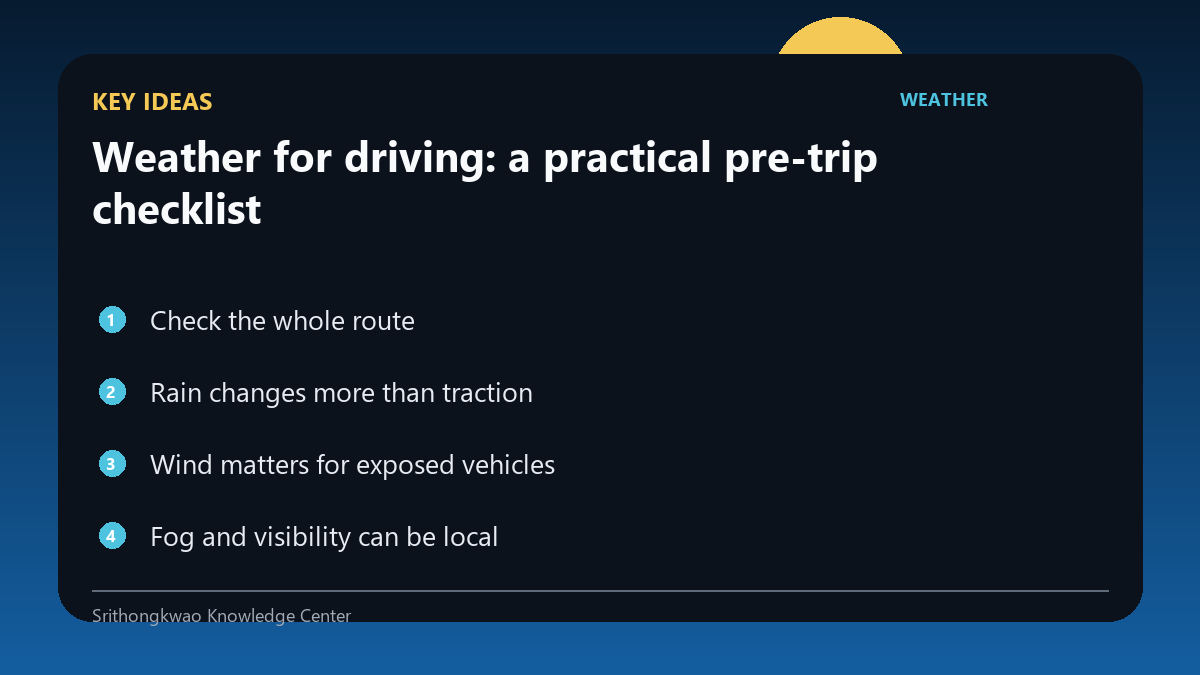
Wind matters for exposed vehicles
Strong crosswinds and gusts can affect motorcycles, vans, trucks and vehicles on bridges or open roads more than sheltered urban driving.
Check gusts and official travel restrictions when winds are strong.
Fog and visibility can be local
A general visibility value may not capture a fog bank in a valley or near a river. Conditions can change quickly along the route.
If visibility deteriorates, respond to what you can actually see rather than the app's regional value.
Official closures override the forecast
Road authorities may close routes because of flooding, landslides, wind, snow, damage or other hazards.
Follow closures and official instructions even if a consumer forecast appears less severe.
Common mistakes to avoid
- Checking only the destination weather.
- Using a rain percentage as a road-flood guarantee.
- Ignoring official closures.
Practical checklist
- Check route weather.
- Review visibility and gusts.
- Look for official road notices.
- Allow extra time.
- Change plans when conditions become unsafe.
Frequently asked questions
Can the app tell me whether a road is flooded?
A general weather forecast cannot reliably determine the condition of every road.
Why should I check gusts?
Brief strong winds can affect exposed vehicles and bridges.
What takes priority, the app or a road closure?
The official closure or transport instruction takes priority.