How to use this information: Forecasts are refreshed with new data is most useful when it is read with location, update time and the surrounding forecast rather than treated as an isolated number. For everyday planning, compare the current value with the next few hours. When safety is involved, confirm conditions with the responsible meteorological or public-safety authority.
What not to assume: A consumer forecast simplifies a changing atmosphere. Forecast update time: why freshness matters should support a decision, not create false precision about an exact street, exact minute or guaranteed outcome.
Forecasts are refreshed with new data
Weather services update as new observations, model runs and processing become available. A newer forecast can change timing, intensity or location compared with an earlier version.
Before a sensitive decision, check whether the page has refreshed recently.
Open screens can become stale
A phone or browser may keep a weather page open for hours. The visible values can remain on screen even when newer information exists.
Reload after long periods of inactivity, especially if conditions outside have changed.
Network interruptions can preserve old data
When connectivity is lost, some products may continue to display cached information. This can be useful for reference but should not be mistaken for a live feed.
If the connection has been unreliable, verify freshness before relying on the screen.
Fast weather needs faster checking
Stable weather may not require frequent updates, while thunderstorms, fronts or heavy rain can make old information lose value quickly.
Match your refresh frequency to how rapidly the situation is changing.
Warnings have their own timing
Official alerts may be updated independently from a general forecast page and can contain more urgent local information.
During hazardous weather, monitor the responsible warning source rather than assuming the app update cycle is sufficient.
Common mistakes to avoid
- Ignoring the timestamp.
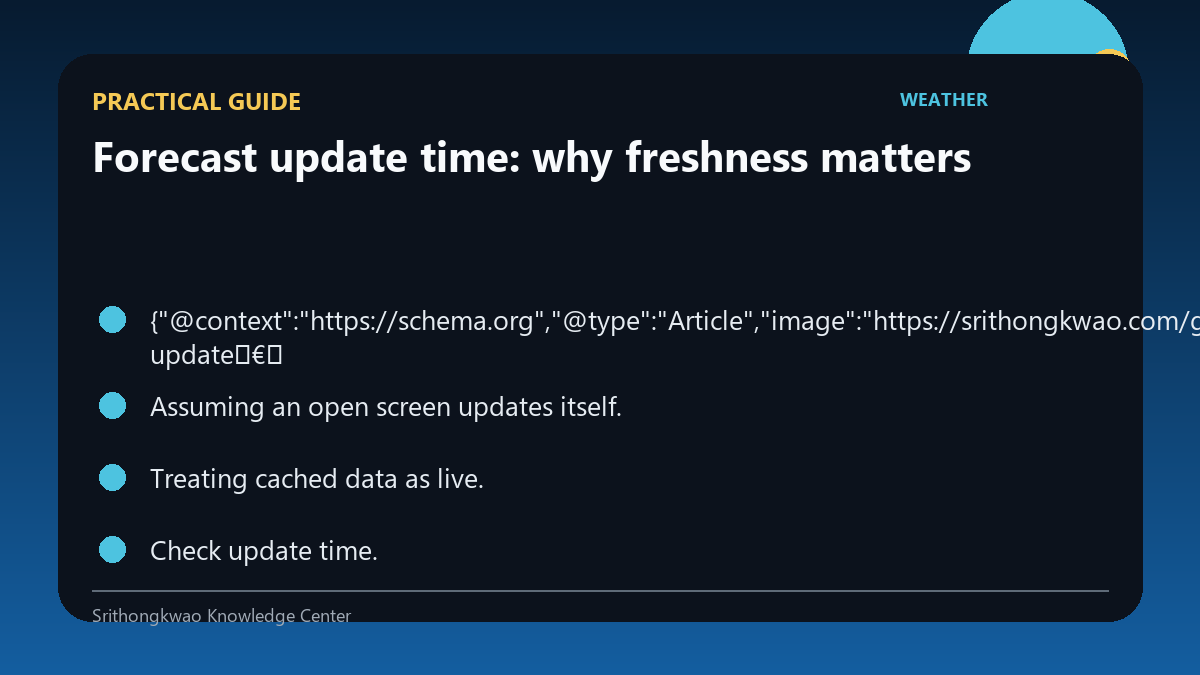
- Assuming an open screen updates itself.
- Treating cached data as live.
Practical checklist
- Check update time.
- Refresh after travel.
- Reconnect after network loss.
- Refresh more often in active weather.
- Follow official warning channels.
Frequently asked questions
Can a forecast page be stale even if it loads?
Yes. Cached or previously loaded content can remain visible.
Do I need to refresh constantly?
No. Refresh according to how fast the weather and your decision are changing.
Are warnings updated at the same time as forecasts?
Not necessarily. Official warning systems can follow separate update cycles.