
Testing practice: For Use screenshots for static state, define a reproducible starting state, perform one controlled change at a time and record the result. Good testing evidence helps another person repeat the same path without guessing what happened.
Evidence quality: A useful report separates observation from theory. Record version, device context, steps, expected result and actual result while removing passwords, authentication codes and unrelated personal information from evidence.
Use screenshots for static state
Screenshots are effective for layout, text, clipping and error messages.
Capture the smallest area that proves the issue while keeping enough context.
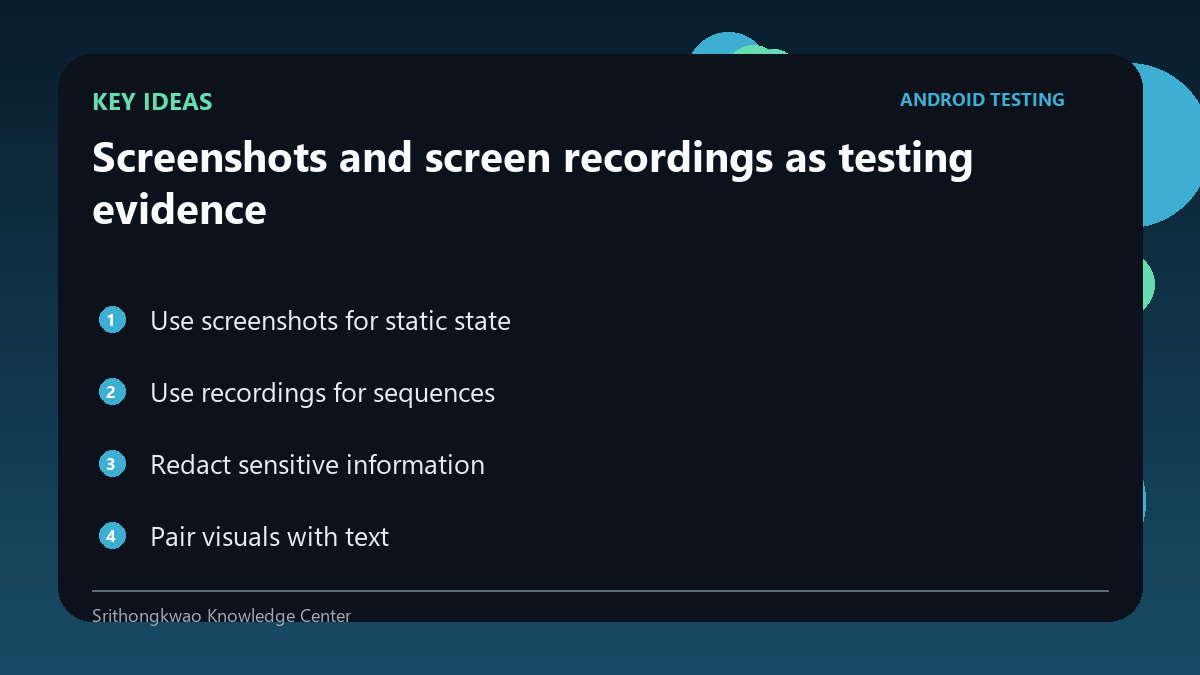
Use recordings for sequences
Screen recording can show gestures, timing, repeated navigation or transient errors.
Start recording close to the reproduction steps to reduce unrelated content.
Redact sensitive information
Email addresses, notifications, chats, payment details and authentication codes can appear unexpectedly.
Crop, blur or recreate the issue with a dedicated test account.
Pair visuals with text
A screenshot cannot explain what the tester tapped before the captured moment.
Always include short steps and expected versus actual result.
Preserve useful timing
When delay is the bug, note approximate duration or show the waiting period in the recording.
Do not edit timing in a way that changes the evidence.
Common mistakes to avoid
- Sending full-screen private content unnecessarily.
- Using a screenshot without reproduction steps.
- Editing out the delay that is being reported.
Practical checklist
- Capture only needed context.
- Use test accounts.
- Redact secrets.
- Add written steps.
- Preserve relevant timing.
Frequently asked questions
Is a screenshot enough for a bug report?
Usually not; steps and expected versus actual results add essential context.
When is video better?
For timing, animation, gestures or transient behaviour.
Should notifications be visible?
Avoid unrelated notifications because they can expose private information.