
Testing practice: For Test normal forward paths, define a reproducible starting state, perform one controlled change at a time and record the result. Good testing evidence helps another person repeat the same path without guessing what happened.
Evidence quality: A useful report separates observation from theory. Record version, device context, steps, expected result and actual result while removing passwords, authentication codes and unrelated personal information from evidence.
Test normal forward paths
Follow the primary navigation from launch to the target screen.
Record the expected stack before testing unusual entry points.
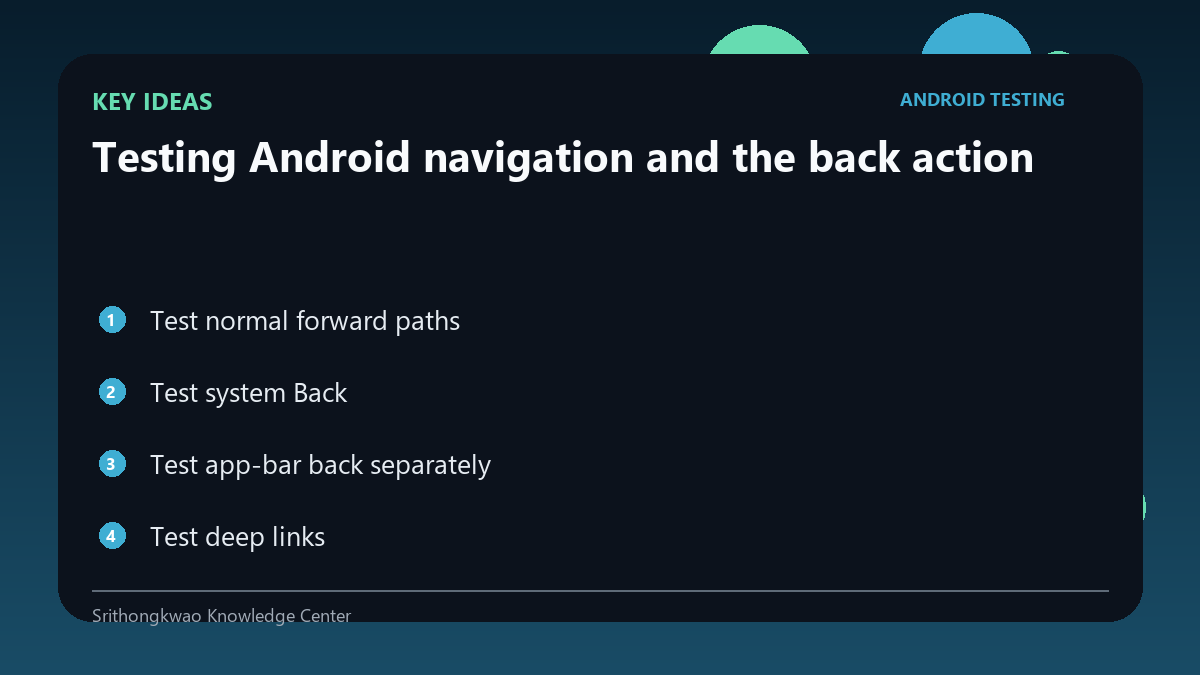
Test system Back
Android users expect Back to move through the app predictably or exit at an appropriate boundary.
Verify it does not jump to unrelated screens.
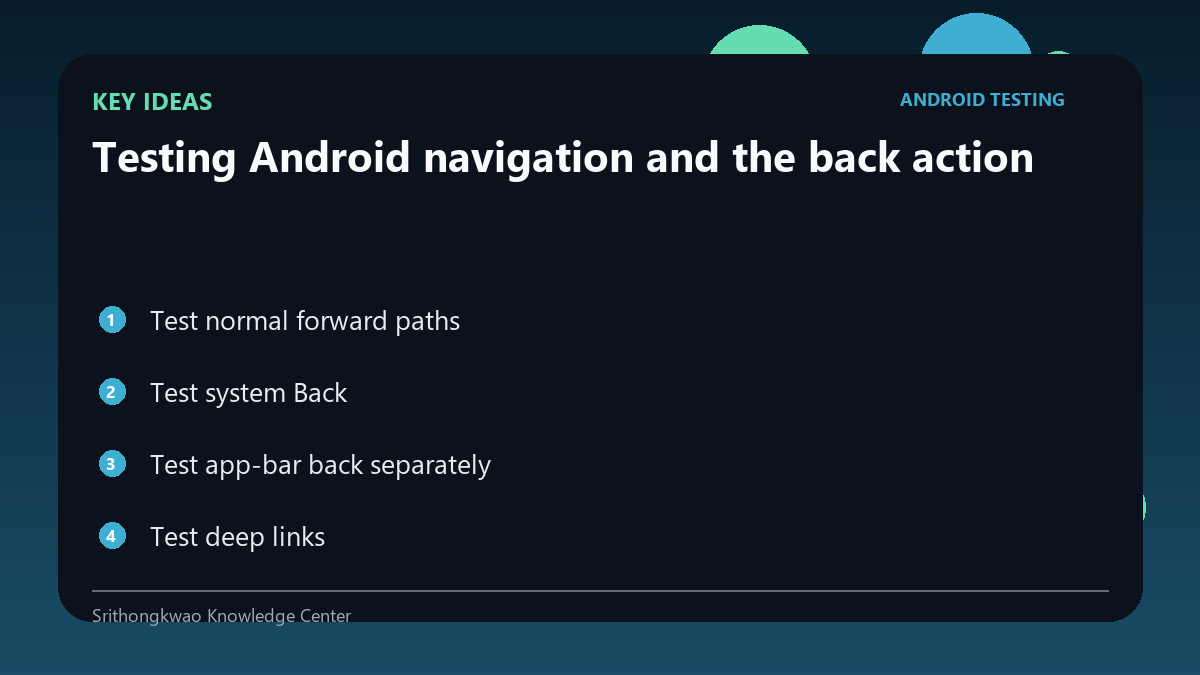
Test app-bar back separately
An in-app back button may not be implemented exactly like the system gesture.
Compare both paths where both exist.
Test deep links
Opening a nested screen directly may create a different navigation stack.
Press Back after deep linking and verify a safe destination.
Test protected screens
After sign-out or permission change, old navigation history should not reveal restricted content.
Combine navigation tests with account-state tests.
Common mistakes to avoid
- Testing only bottom navigation taps.
- Ignoring deep-link back stacks.
- Allowing Back to reveal signed-out content.
Practical checklist
- Test forward flow.
- Test system Back.
- Test app-bar back.
- Test deep links.
- Test after sign-out.
Frequently asked questions
Why test two back controls?
They can be wired differently and expose different bugs.
What is a deep-link stack?
It is the navigation history created when the app opens directly to a nested destination.
Can navigation be a privacy issue?
Yes. Protected screens should not remain accessible after account state changes.