Testing practice: For Test permission where applicable, define a reproducible starting state, perform one controlled change at a time and record the result. Good testing evidence helps another person repeat the same path without guessing what happened.
Evidence quality: A useful report separates observation from theory. Record version, device context, steps, expected result and actual result while removing passwords, authentication codes and unrelated personal information from evidence.
Test permission where applicable
Modern Android versions can require explicit notification permission.
Verify both allowed and denied experiences. Also verify the app does not repeatedly pressure the user after denial.
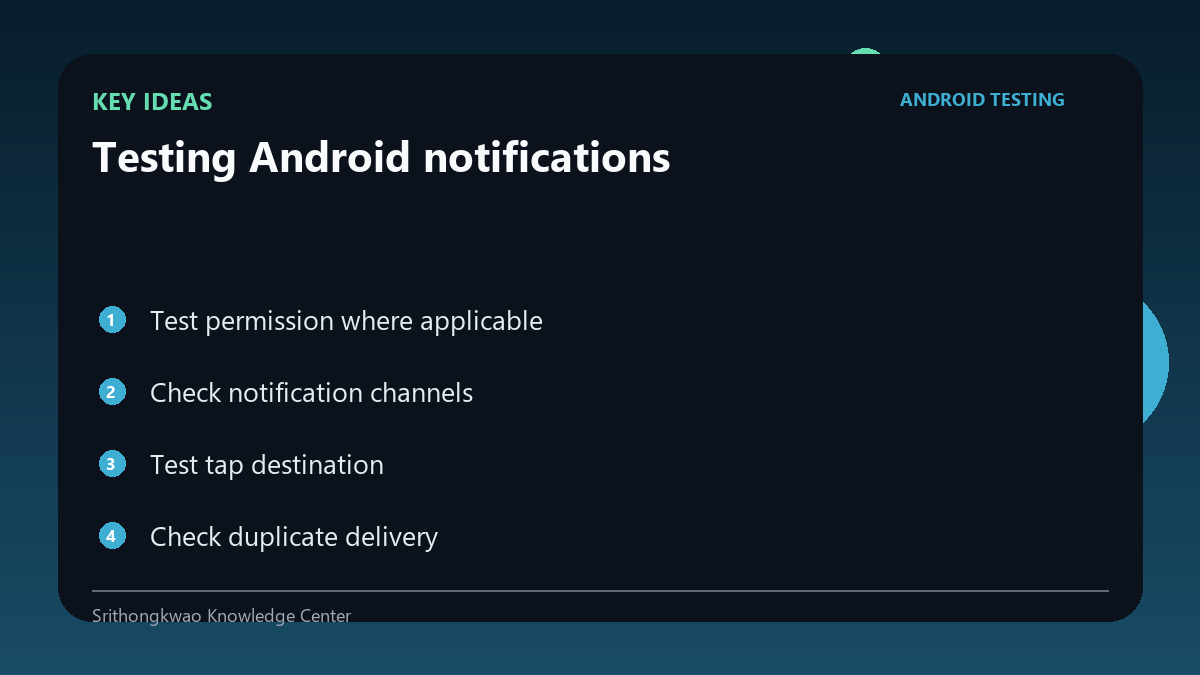
Check notification channels
Channels control categories and user settings.
Ensure important messages use the intended channel without misclassifying marketing as critical. Review channel names and descriptions so users can understand what they are controlling.
Test tap destination
A notification should open the correct screen or safe fallback.
Verify deep links from cold start and from an already running app. Repeat the tap from a locked device and after the app process has been removed where appropriate.
Check duplicate delivery
Retries or multiple backend triggers can create repeated notifications.
Test idempotency and user experience when connectivity changes. Record message identifiers or timestamps when duplicates are intermittent so backend retries can be distinguished from UI rendering.
Respect user controls
Users may disable a channel or all notifications.
The app should not attempt to bypass system preference. Test the app after settings are changed outside the app and then return to the notification-related workflow.
Common mistakes to avoid
- Testing only when app is closed.
- Ignoring denied notification permission.
- Sending duplicates during retries.
Practical checklist
- Test permission.
- Test foreground/background.
- Verify tap destination.
- Check duplicates.
- Respect disabled channels.
Frequently asked questions
Why test cold start?
The app may need to reconstruct navigation from the notification payload.
Can users disable one category?
Notification channels can allow category-level control.
Should the app bypass disabled notifications?
No. System and user controls should be respected.
What should happen if a user disables a channel?
The product should respect that system-level choice and keep the rest of the app usable without attempting to bypass it.