
Testing practice: For Test loss before a request, define a reproducible starting state, perform one controlled change at a time and record the result. Good testing evidence helps another person repeat the same path without guessing what happened.
Evidence quality: A useful report separates observation from theory. Record version, device context, steps, expected result and actual result while removing passwords, authentication codes and unrelated personal information from evidence.
Test loss before a request
Disable connectivity before starting a network-dependent action.
The app should explain the unavailable connection without crashing.
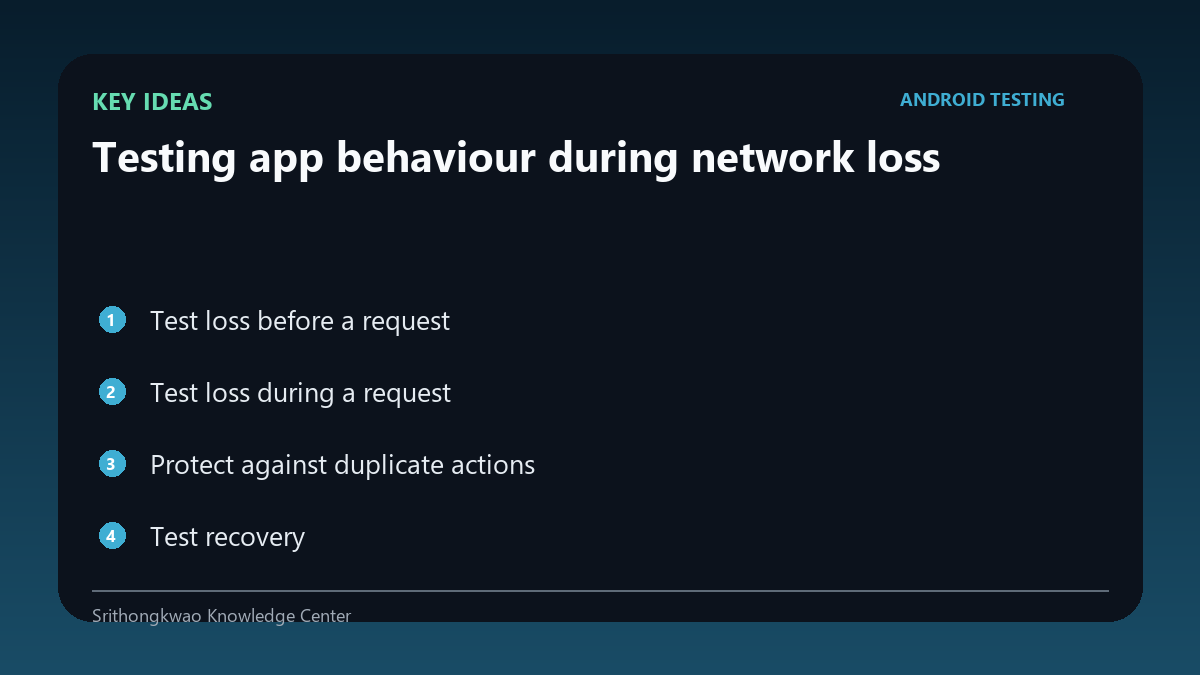
Test loss during a request
Interrupt the network after an action begins.
Verify that loading indicators end, timeout states are clear and retries are safe.
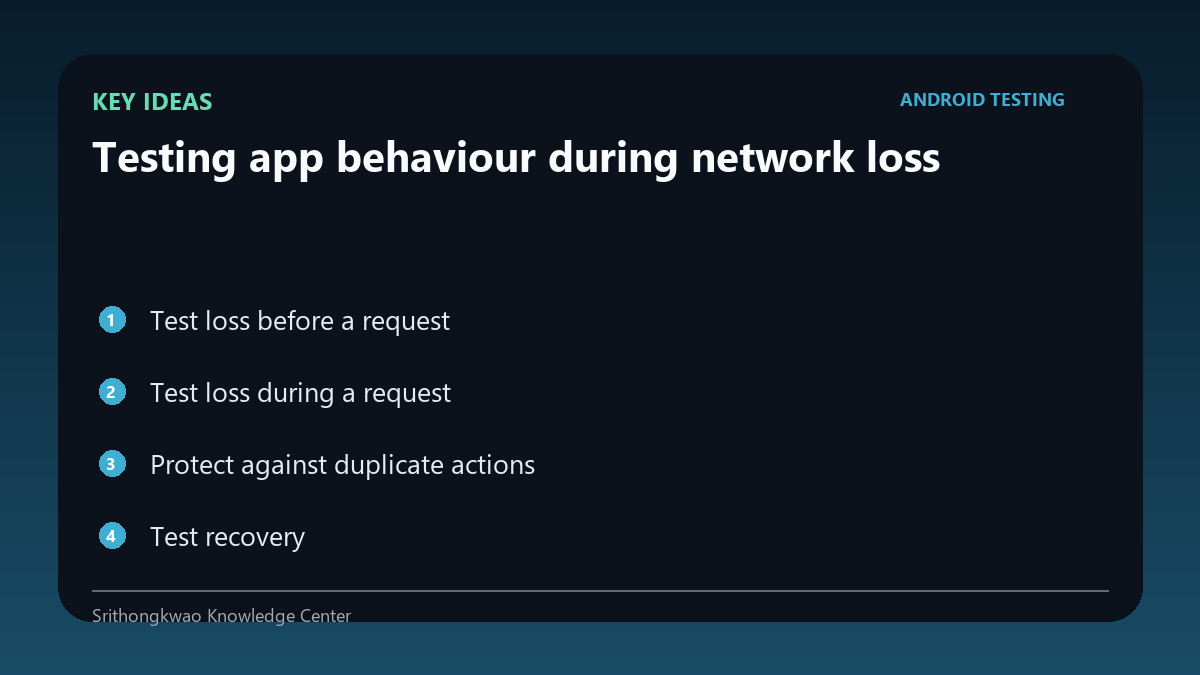
Protect against duplicate actions
A user may tap again after an uncertain timeout.
Idempotent backend design and UI feedback should prevent duplicate submissions where possible.
Test recovery
Reconnect and retry the same flow.
The app should leave the failed state cleanly instead of requiring a restart.
Distinguish server and network errors
Not every failure is no internet.
Messages should avoid blaming the user's connection when the server returned an error.
Common mistakes to avoid
- Testing only permanent offline mode.
- Leaving endless spinners.
- Allowing retry to duplicate an action.
Practical checklist
- Test before request.
- Test during request.
- Verify timeout.
- Reconnect.
- Check duplicate prevention.
Frequently asked questions
Why test mid-request failure?
It exposes uncertain states that permanent offline testing can miss.
Should every error say no internet?
No. Server errors and local connectivity failures should be distinguished.
What is a safe retry?
A retry that does not unintentionally duplicate the user's action.