Testing practice: For Start with permission states, define a reproducible starting state, perform one controlled change at a time and record the result. Good testing evidence helps another person repeat the same path without guessing what happened.
Evidence quality: A useful report separates observation from theory. Record version, device context, steps, expected result and actual result while removing passwords, authentication codes and unrelated personal information from evidence.
Start with permission states
Test first allow, deny and permission revocation before launch.
The camera screen should explain unavailable access rather than failing silently.
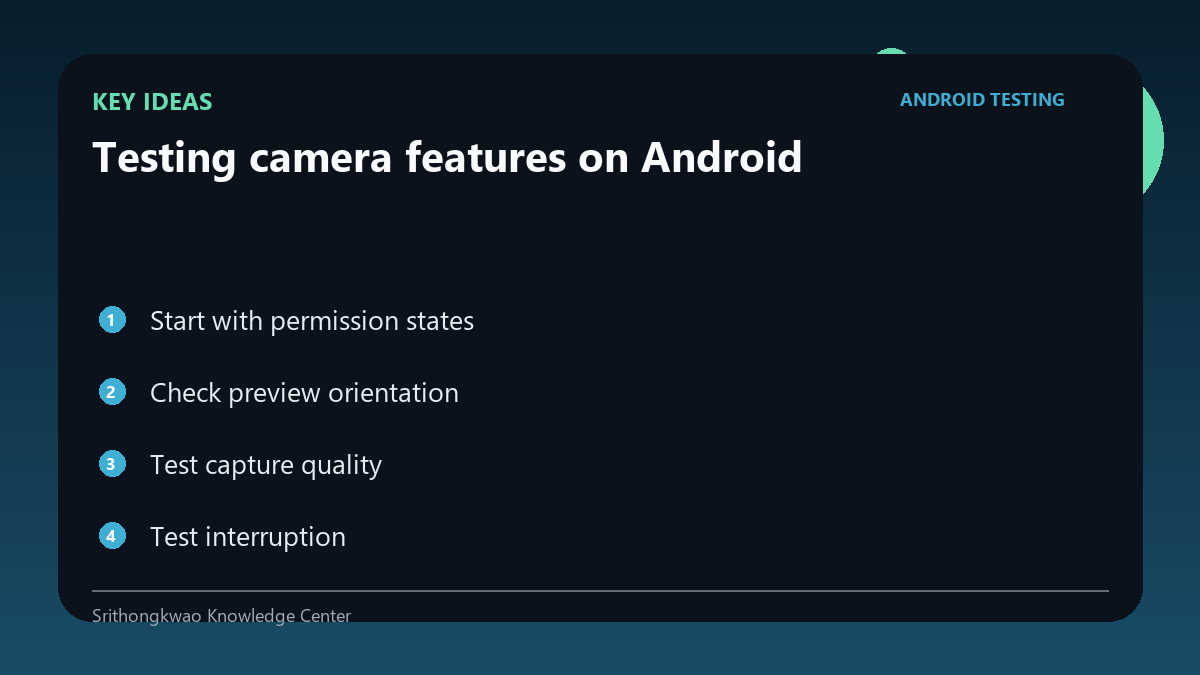
Check preview orientation
Portrait, landscape and device rotation can affect preview aspect ratio and framing.
Verify that the preview matches the intended capture orientation without stretching.
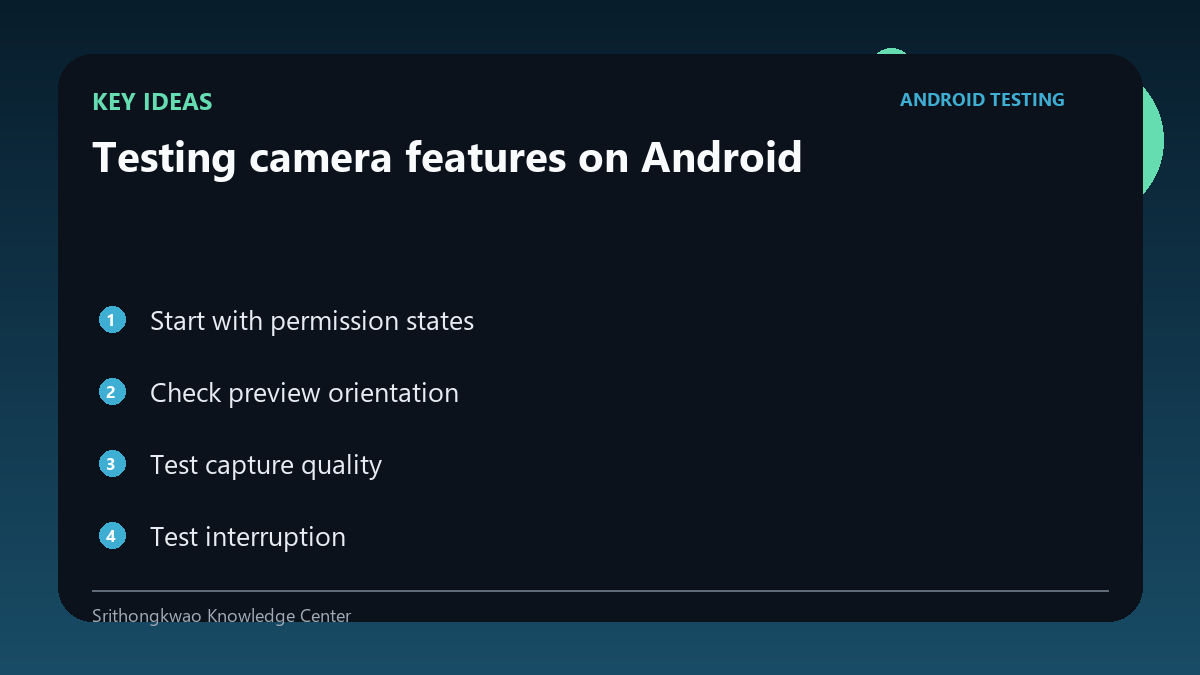
Test capture quality
Focus, exposure, resolution and motion can affect downstream image analysis.
Confirm that the saved or uploaded image corresponds to what the user saw in the preview.
Test interruption
Incoming app switches, screen lock or backgrounding can interrupt camera resources.
Return to the app and verify the camera recovers or explains what happened.
Test hardware differences
Camera implementations vary across manufacturers and devices.
Use more than one hardware family for camera-heavy products.
Common mistakes to avoid
- Testing one perfect photo only.
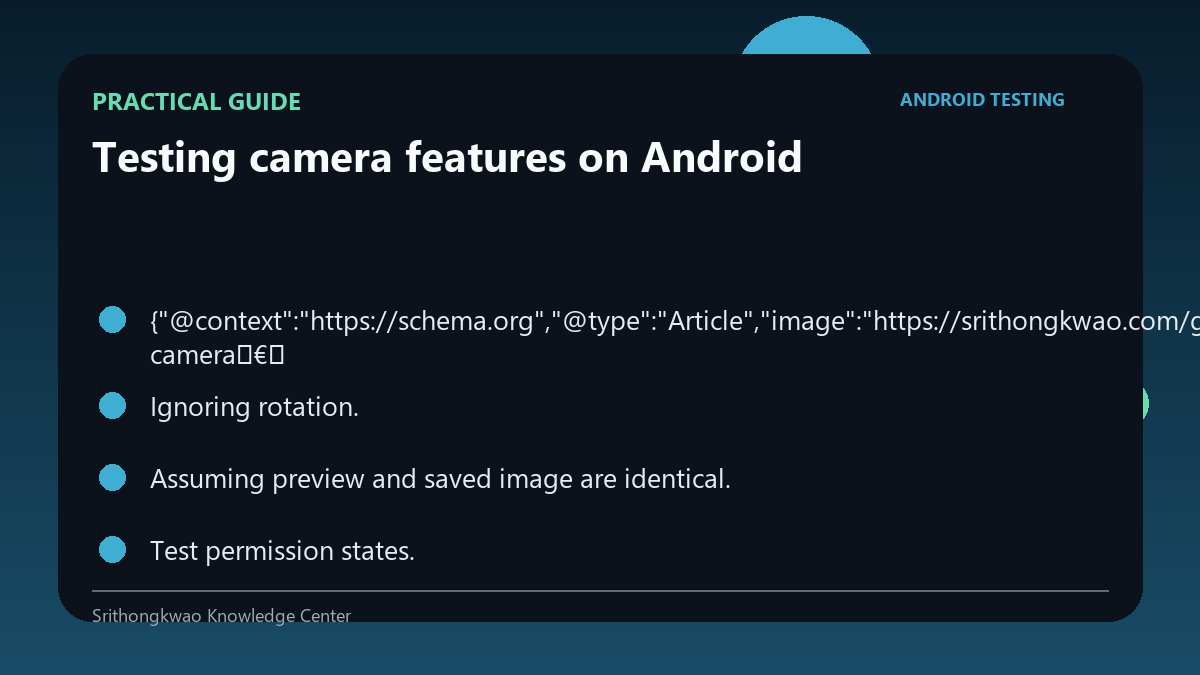
- Ignoring rotation.
- Assuming preview and saved image are identical.
Practical checklist
- Test permission states.
- Rotate device.
- Compare preview and output.
- Test interruption.
- Use multiple devices.
Frequently asked questions
Why can camera bugs be device-specific?
Manufacturers and hardware pipelines differ.
Should the app survive backgrounding?
It should recover or fail clearly rather than leaving a broken preview.
Why compare preview and capture?
Cropping, rotation or processing can make the final image differ from what the user framed.