
Testing practice: For Test approximate and precise modes, define a reproducible starting state, perform one controlled change at a time and record the result. Good testing evidence helps another person repeat the same path without guessing what happened.
Evidence quality: A useful report separates observation from theory. Record version, device context, steps, expected result and actual result while removing passwords, authentication codes and unrelated personal information from evidence.
Test approximate and precise modes
Android can provide different location precision depending on permission and system state.
Verify that the product remains useful when only approximate location is granted where appropriate.
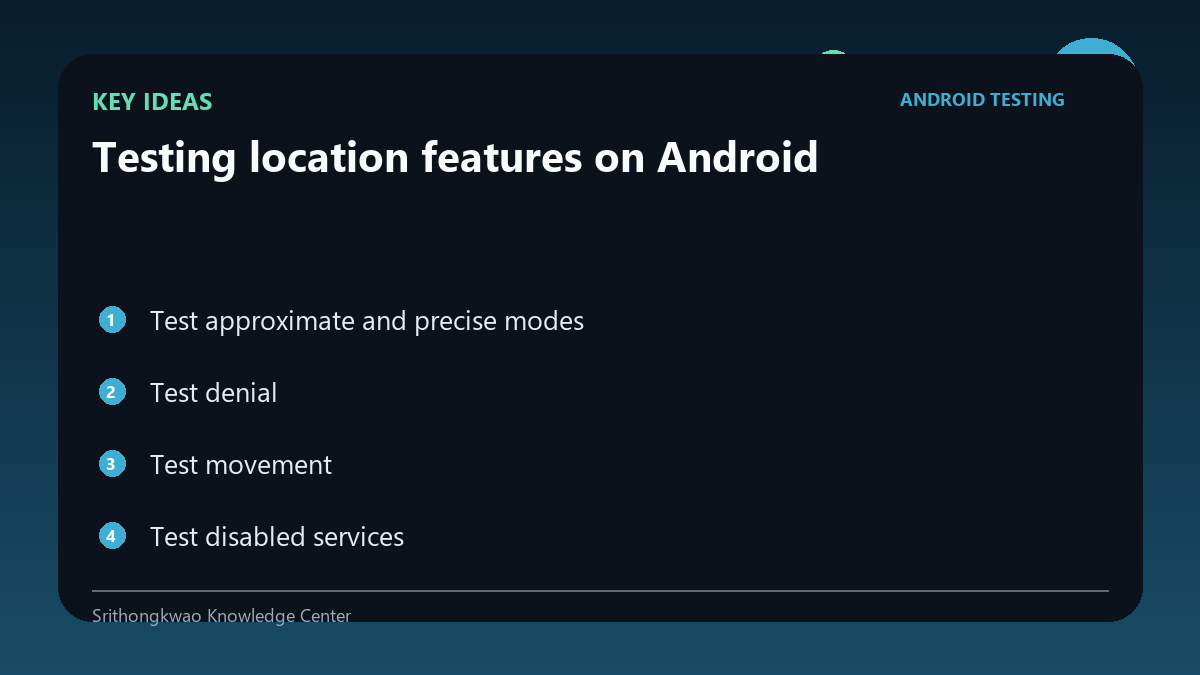
Test denial
Users may prefer manual place entry or may not need location at all.
A denial should lead to a clear alternative rather than a broken screen.
Test movement
A cached location can become stale after travel.
Verify refresh behaviour when the device moves significantly.
Test disabled services
System location can be turned off even when app permission exists.
Handle this state separately from permission denial.
Do not expose exact coordinates unnecessarily
Logs and support screenshots can reveal sensitive location data.
Redact or reduce precision in test evidence unless exact coordinates are essential.
Common mistakes to avoid
- Treating permission and location-service state as the same.
- Ignoring approximate permission.
- Logging exact coordinates without need.
Practical checklist
- Test precise.
- Test approximate.
- Test denied.
- Test services off.
- Review logs for privacy.
Frequently asked questions
Can permission be granted while location services are off?
Yes. Those are different system states.
Should manual location exist?
It can be a useful privacy and resilience option where the product supports it.
Why avoid exact coordinates in reports?
They can expose sensitive location information unnecessarily.