
Testing practice: For Test valid and invalid sign-in, define a reproducible starting state, perform one controlled change at a time and record the result. Good testing evidence helps another person repeat the same path without guessing what happened.
Evidence quality: A useful report separates observation from theory. Record version, device context, steps, expected result and actual result while removing passwords, authentication codes and unrelated personal information from evidence.
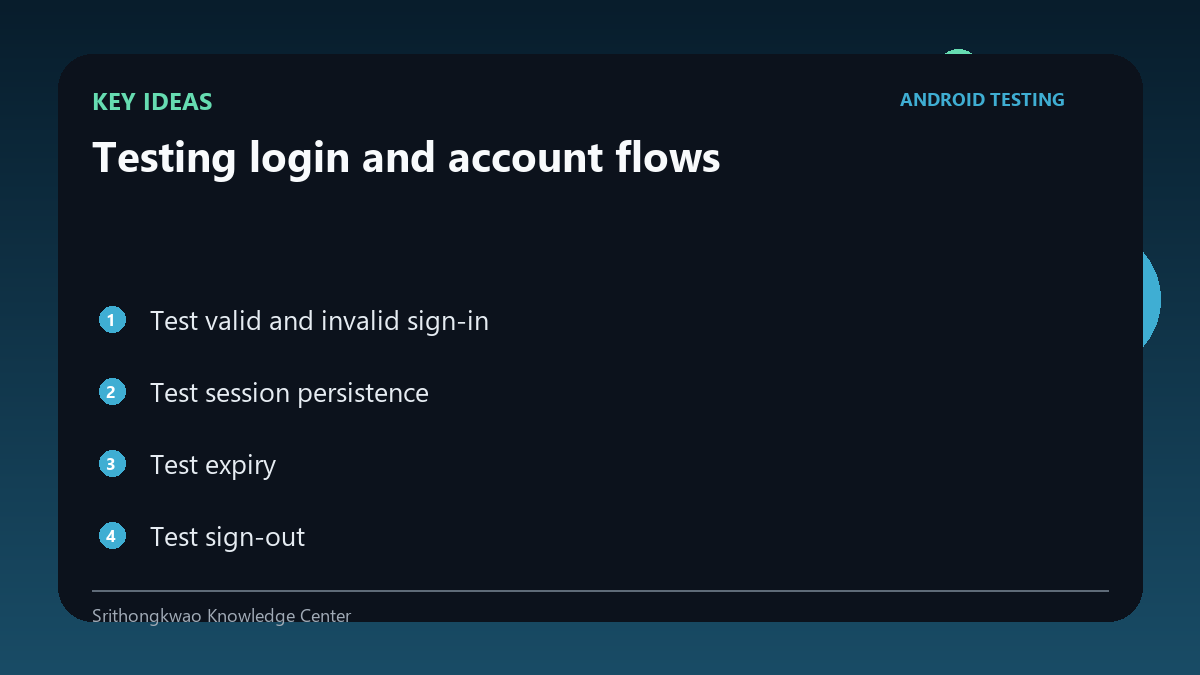
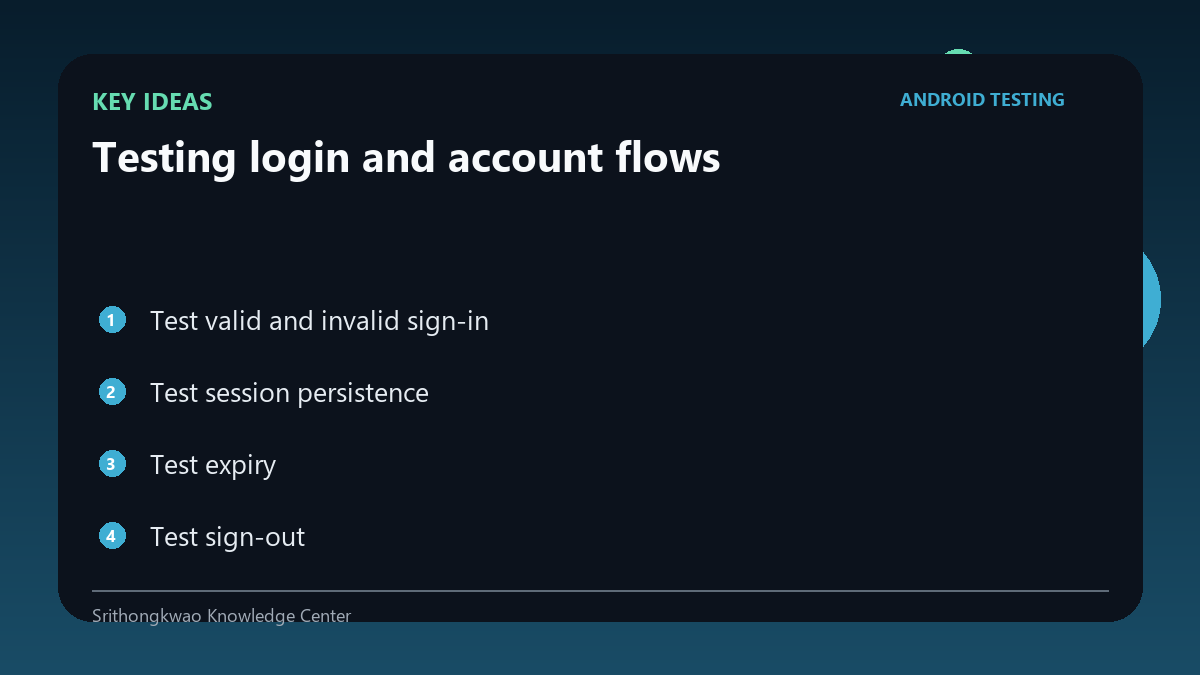
Test valid and invalid sign-in
Verify correct credentials and common invalid states such as wrong password or malformed email.
Error messages should be useful without revealing sensitive account existence unnecessarily.
Test session persistence
Close and reopen the app after signing in.
Confirm the intended session remains or expires according to product design.
Test expiry
Tokens can expire while the app is open or backgrounded.
Verify the app returns to a safe authentication state rather than failing on protected requests.
Test sign-out
Signing out should remove access to protected screens and appropriate local session data.
Use back navigation after sign-out to ensure protected content is not exposed.
Protect authentication evidence
Never attach passwords, recovery codes, access tokens or one-time verification codes to reports.
Use dedicated test accounts where possible.
Common mistakes to avoid
- Sharing credentials in screenshots.
- Testing sign-in but not sign-out.
- Ignoring expired sessions.
Practical checklist
- Use test accounts.
- Test invalid input.
- Test restart.
- Test expiry.
- Verify sign-out protection.
Frequently asked questions
Should a bug report include a password?
No. Authentication secrets should never be included.
Why test back navigation after sign-out?
Cached navigation can accidentally expose a protected screen.
What is a test account?
An account created specifically for controlled testing rather than personal use.