
Testing practice: For Know what is cached, define a reproducible starting state, perform one controlled change at a time and record the result. Good testing evidence helps another person repeat the same path without guessing what happened.
Evidence quality: A useful report separates observation from theory. Record version, device context, steps, expected result and actual result while removing passwords, authentication codes and unrelated personal information from evidence.
Know what is cached
List which screens can show stored content and how old that content may be.
Testing is easier when cache policy is explicit.
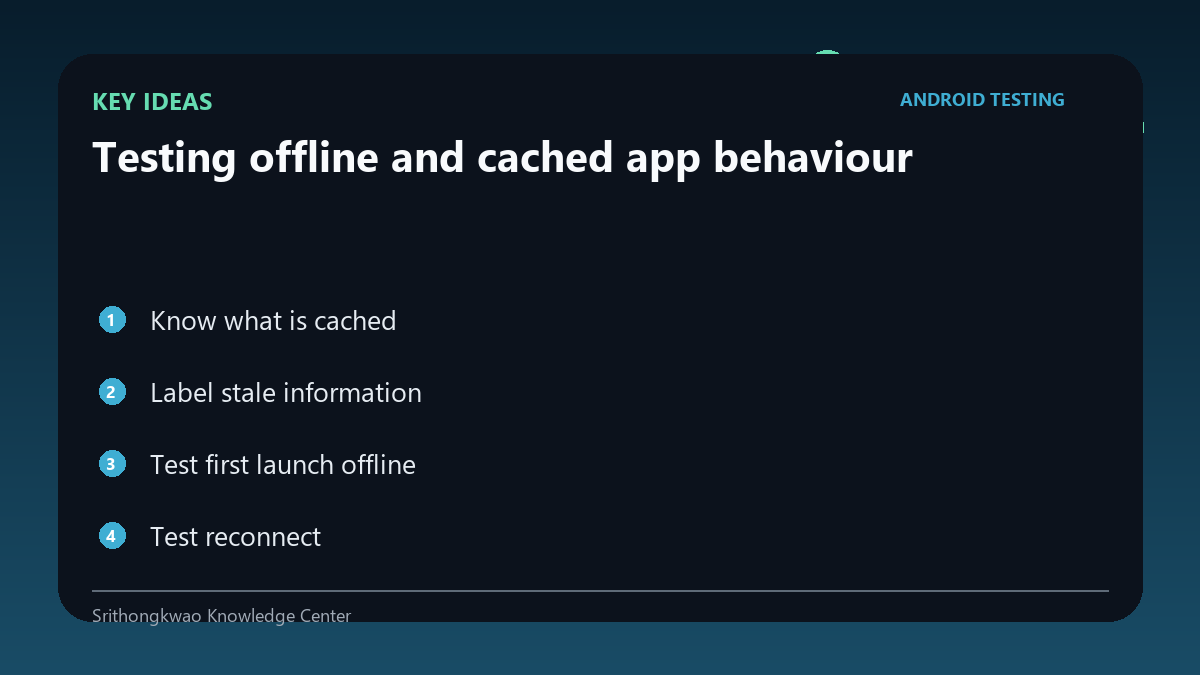
Label stale information
Users should be able to distinguish cached content from fresh server data when freshness matters.
Check timestamps and offline indicators.
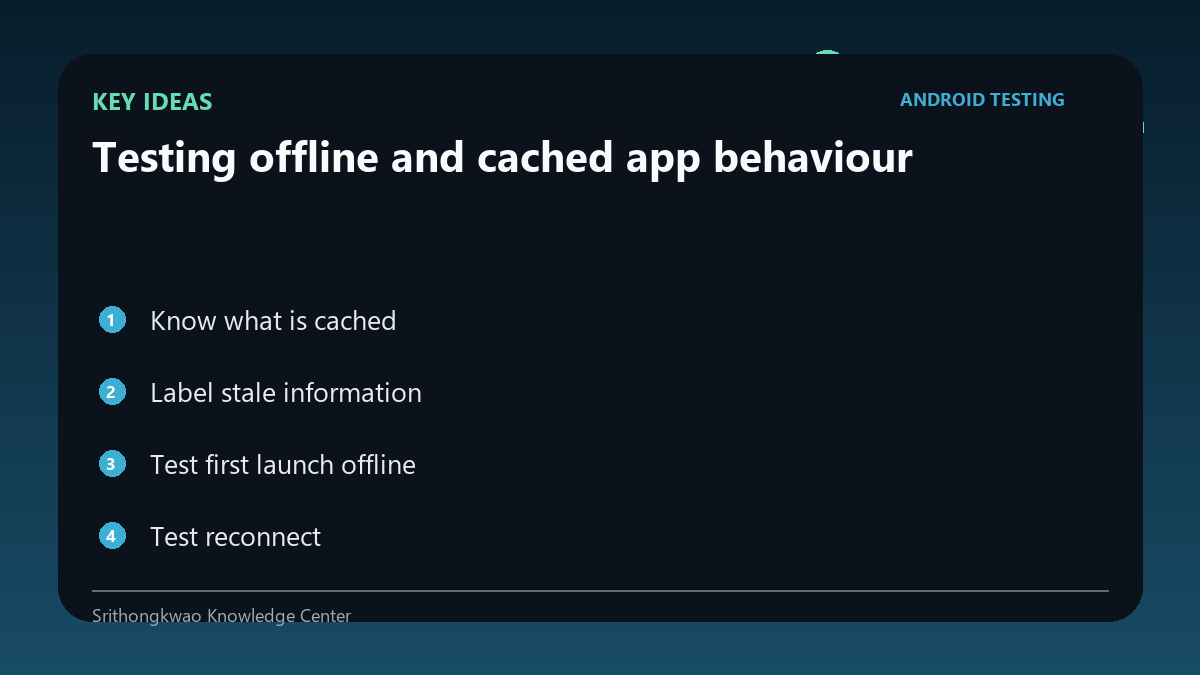
Test first launch offline
A device with no prior cache behaves differently from one that has used the app for months.
Verify the empty offline state is understandable.
Test reconnect
When the network returns, cached content should update without corrupting local state.
Watch for duplicate records or stale screens after sync.
Protect sensitive cache
Some locally stored data may require stronger handling or should not be cached at all.
Review privacy and sign-out behaviour along with functionality.
Common mistakes to avoid
- Calling cached data live.
- Testing only devices with existing cache.
- Keeping sensitive data after sign-out without need.
Practical checklist
- Document cache policy.
- Test fresh offline.
- Test stale cache.
- Reconnect and sync.
- Review local privacy.
Frequently asked questions
Why show an offline label?
It prevents old cached content from being mistaken for fresh server data.
What happens on first install offline?
There may be no useful cached content, so the app needs a clear empty state.
Should every response be cached?
No. Cache only data appropriate for product function and privacy.