Testing practice: For Measure cold and warm startup, define a reproducible starting state, perform one controlled change at a time and record the result. Good testing evidence helps another person repeat the same path without guessing what happened.
Evidence quality: A useful report separates observation from theory. Record version, device context, steps, expected result and actual result while removing passwords, authentication codes and unrelated personal information from evidence.
Measure cold and warm startup
A first launch can differ from reopening an already initialized app.
Record both cases where startup experience matters.
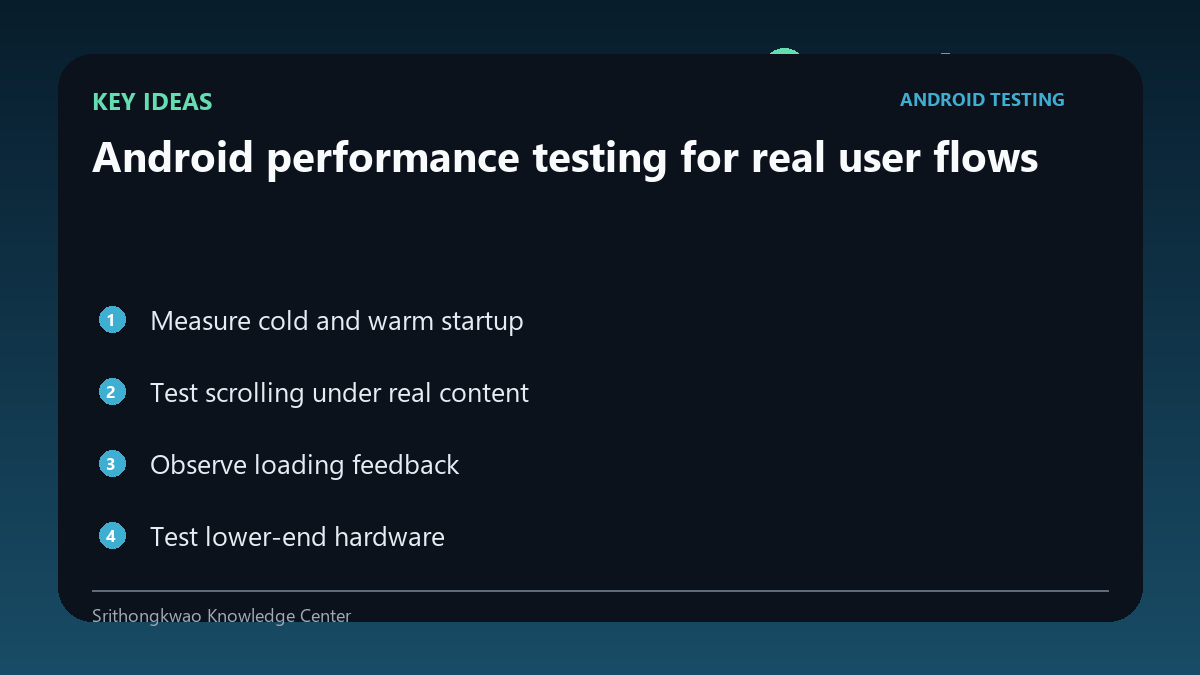
Test scrolling under real content
Small demo lists may hide frame drops that appear with real data.
Use representative content volume and images.
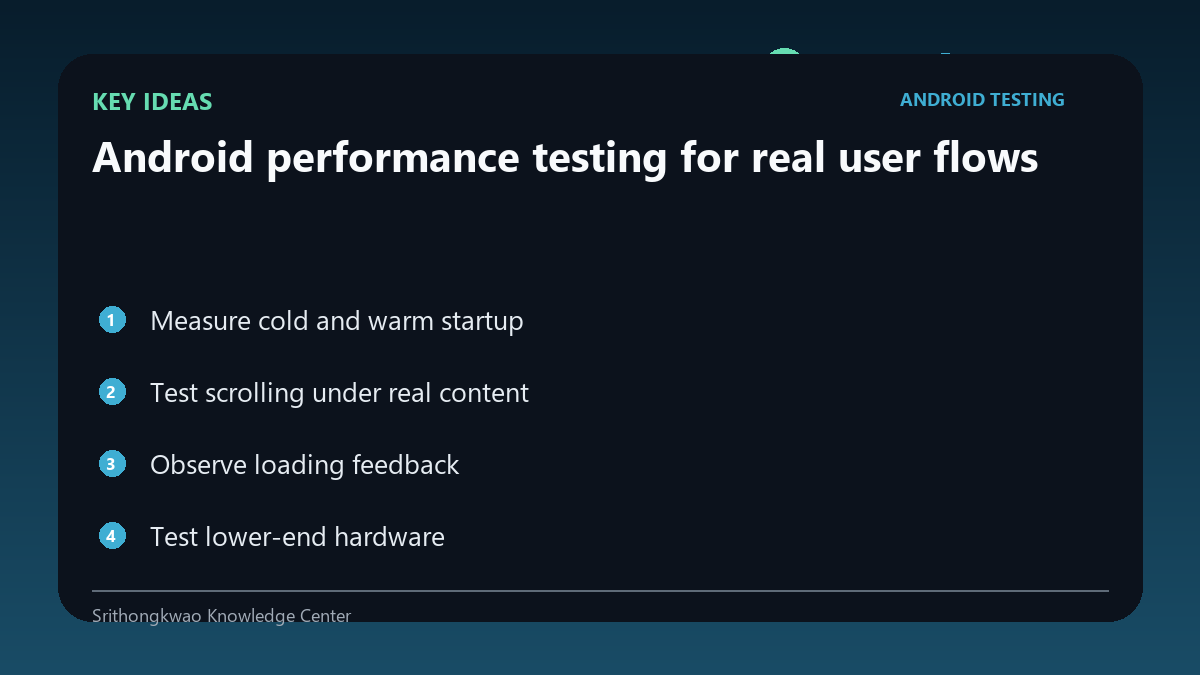
Observe loading feedback
A slow operation feels worse when the user has no indication that work is continuing.
Verify progress UI and prevent duplicate taps.
Test lower-end hardware
A powerful development phone can conceal CPU, memory and storage constraints.
Include at least one representative less powerful device.
Look for degradation over time
Leaks or unbounded caches may appear only after repeated navigation or long sessions.
Run loops and extended use, not only single interactions.
Common mistakes to avoid
- Testing only flagship devices.
- Using tiny demo datasets.
- Ignoring performance after long sessions.
Practical checklist
- Measure startup.
- Use realistic data.
- Check loading feedback.
- Test weaker hardware.
- Run repeated workflows.
Frequently asked questions
Why test cold start?
Initialization work can make first launch slower than later launches.
Can memory problems appear only later?
Yes. Leaks and growing caches may require repeated use to become visible.
Is a spinner enough?
It helps communicate activity, but the underlying operation should still be optimized and cancellable where appropriate.