
Testing practice: For Start with actual user targets, define a reproducible starting state, perform one controlled change at a time and record the result. Good testing evidence helps another person repeat the same path without guessing what happened.
Evidence quality: A useful report separates observation from theory. Record version, device context, steps, expected result and actual result while removing passwords, authentication codes and unrelated personal information from evidence.
Start with actual user targets
Use expected markets, analytics where available and product requirements to identify common device classes.
Do not choose devices only because they are convenient to the development team.
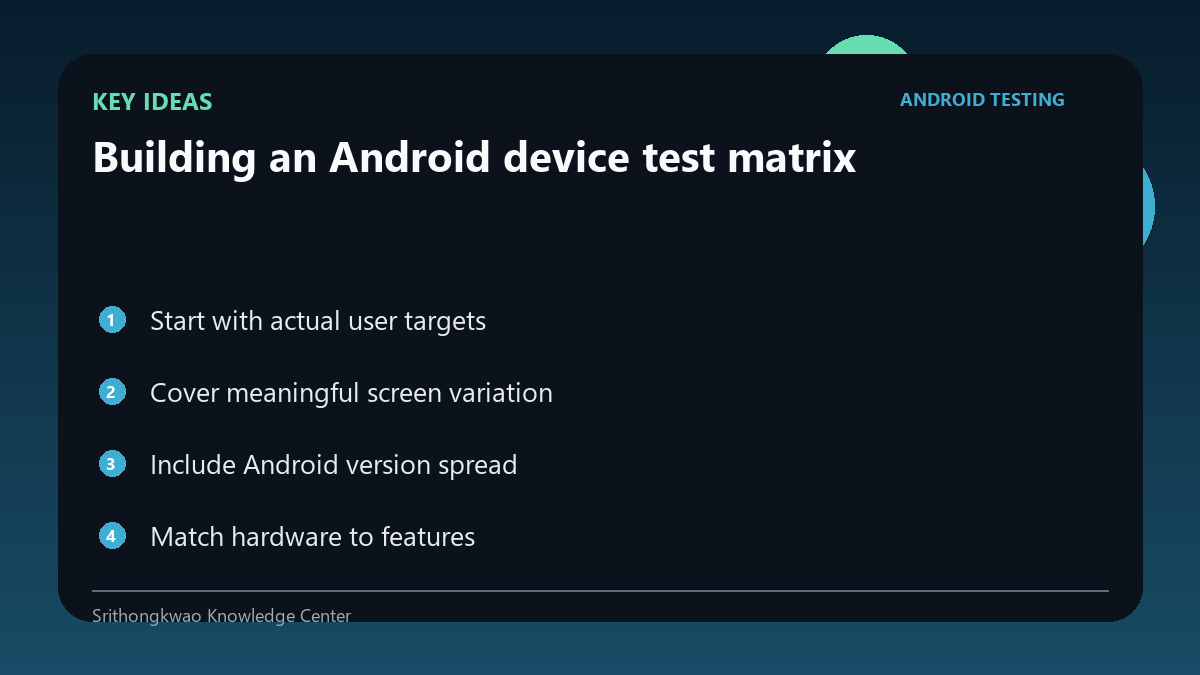
Cover meaningful screen variation
Small phones, large phones and unusual aspect ratios can expose layout problems.
Prioritize layouts that differ materially rather than testing several nearly identical screens.
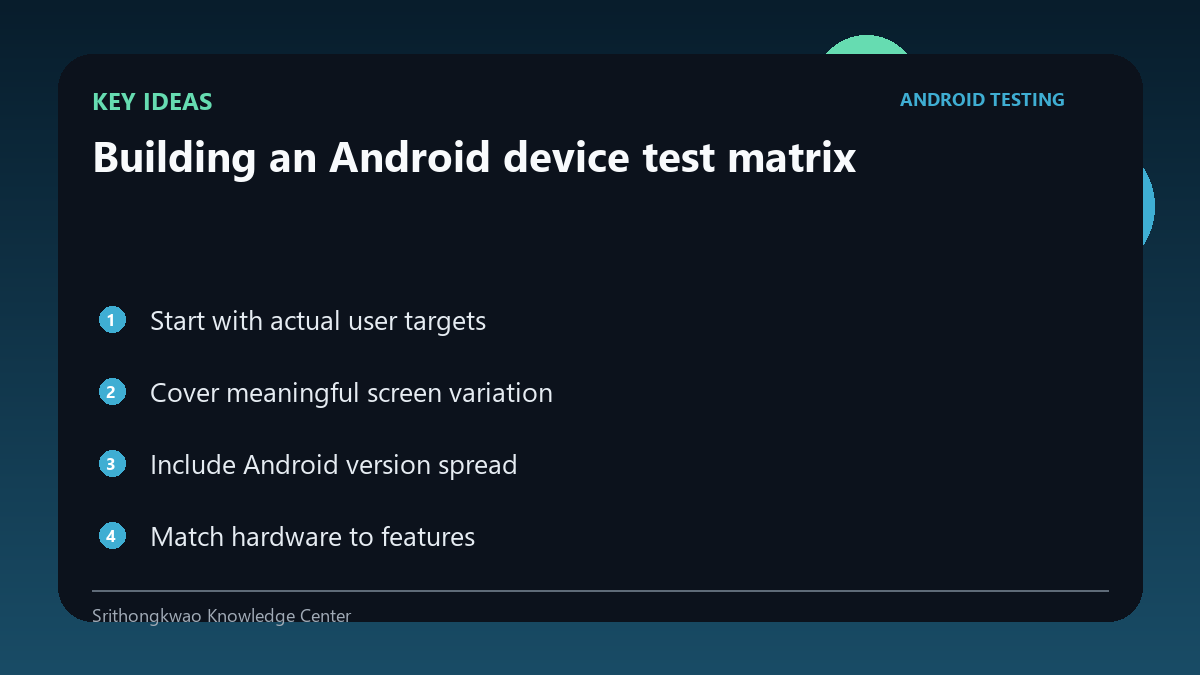
Include Android version spread
Permission behaviour, system UI and API availability can change across OS versions.
Test the minimum supported version and representative newer versions.
Match hardware to features
Camera, GPS, sensors and memory can matter for specific apps.
A camera-heavy product needs different device coverage from a simple text utility.
Keep the matrix maintainable
Devices age and audience distribution changes.
Review the matrix periodically instead of treating it as permanent.
Common mistakes to avoid
- Buying many similar devices.
- Ignoring minimum Android version.
- Testing hardware features on one phone only.
Practical checklist
- List target users.
- Cover screen variation.
- Cover OS range.
- Match feature hardware.
- Review periodically.
Frequently asked questions
Do I need every Android model?
No. A representative risk-based matrix is more practical.
Why test the minimum supported OS?
It is where compatibility constraints are often most visible.
Should the matrix change?
Yes, as the product audience and Android ecosystem evolve.