Testing practice: For Check completeness, define a reproducible starting state, perform one controlled change at a time and record the result. Good testing evidence helps another person repeat the same path without guessing what happened.
Evidence quality: A useful report separates observation from theory. Record version, device context, steps, expected result and actual result while removing passwords, authentication codes and unrelated personal information from evidence.
Check completeness
Scan menus, dialogs, errors and empty states for untranslated fallback text.
One forgotten system message can make an otherwise localized app feel unfinished.
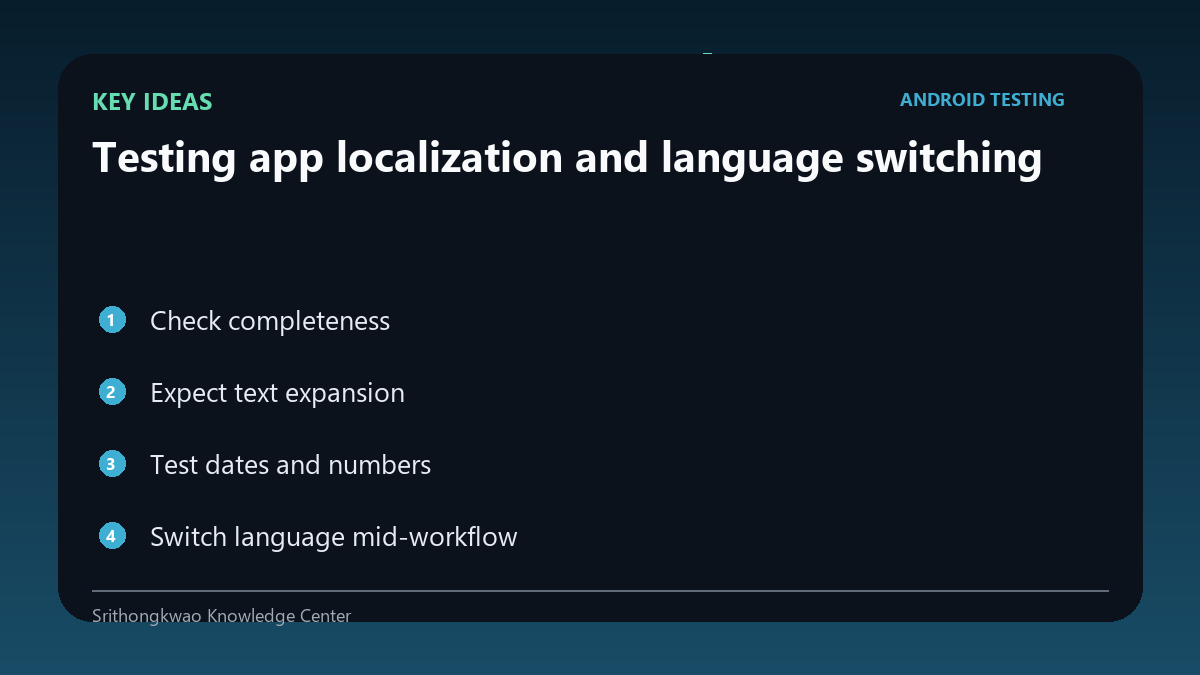
Expect text expansion
Translations can be much longer or shorter than the source language.
Test buttons, tabs and cards for wrapping, clipping and overflow.
Test dates and numbers
Locale can affect date order, month names, digits and decimal formatting.
Verify the product's intended regional rules rather than hard-coding one format.
Switch language mid-workflow
A user may change language while inside a nested screen.
Where the product promises live switching, preserve the current page and state.
Test fallback behaviour
Missing translations should fail predictably rather than showing keys or crashing.
Use a defined fallback language and log missing resources for developers.
Common mistakes to avoid
- Checking only the home screen.
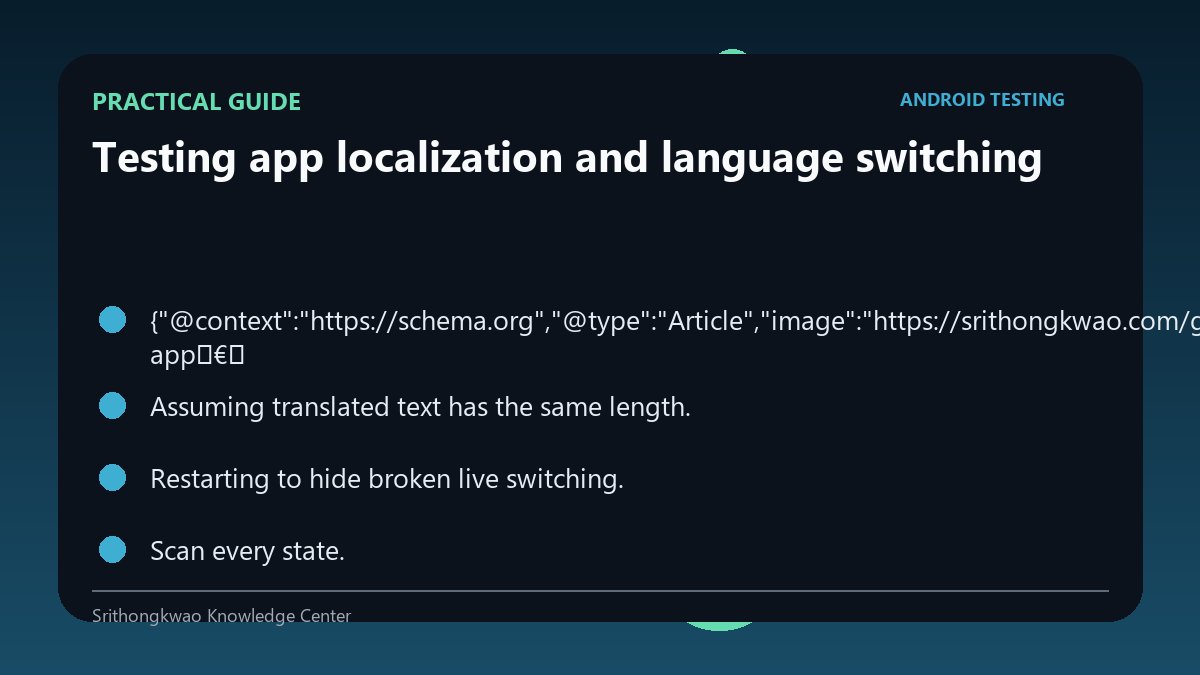
- Assuming translated text has the same length.
- Restarting to hide broken live switching.
Practical checklist
- Scan every state.
- Test long text.
- Verify dates.
- Switch mid-flow.
- Check fallback.
Frequently asked questions
Why do translations break layouts?
Text length and word structure vary between languages.
Should language switching restart the app?
That depends on product design; if live switching is promised, current workflow should be preserved.
What is a fallback string?
Text shown from a default language when a localized resource is missing.