
Testing practice: For Observe idle behaviour, define a reproducible starting state, perform one controlled change at a time and record the result. Good testing evidence helps another person repeat the same path without guessing what happened.
Evidence quality: A useful report separates observation from theory. Record version, device context, steps, expected result and actual result while removing passwords, authentication codes and unrelated personal information from evidence.
Observe idle behaviour
Leave the app open and then backgrounded without active work.
Unexpected frequent network or CPU activity can reveal polling or lifecycle problems.
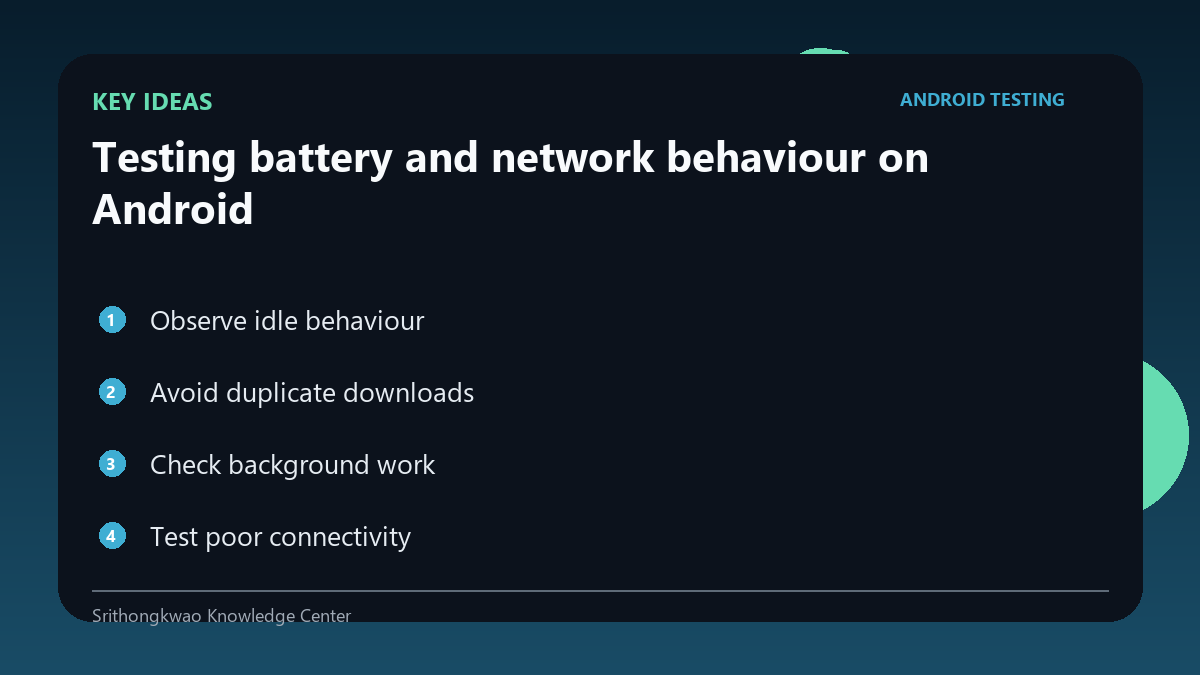
Avoid duplicate downloads
Images and data should not be fetched repeatedly when an appropriate cache is valid.
Test repeated visits to the same screen under metered-like conditions.
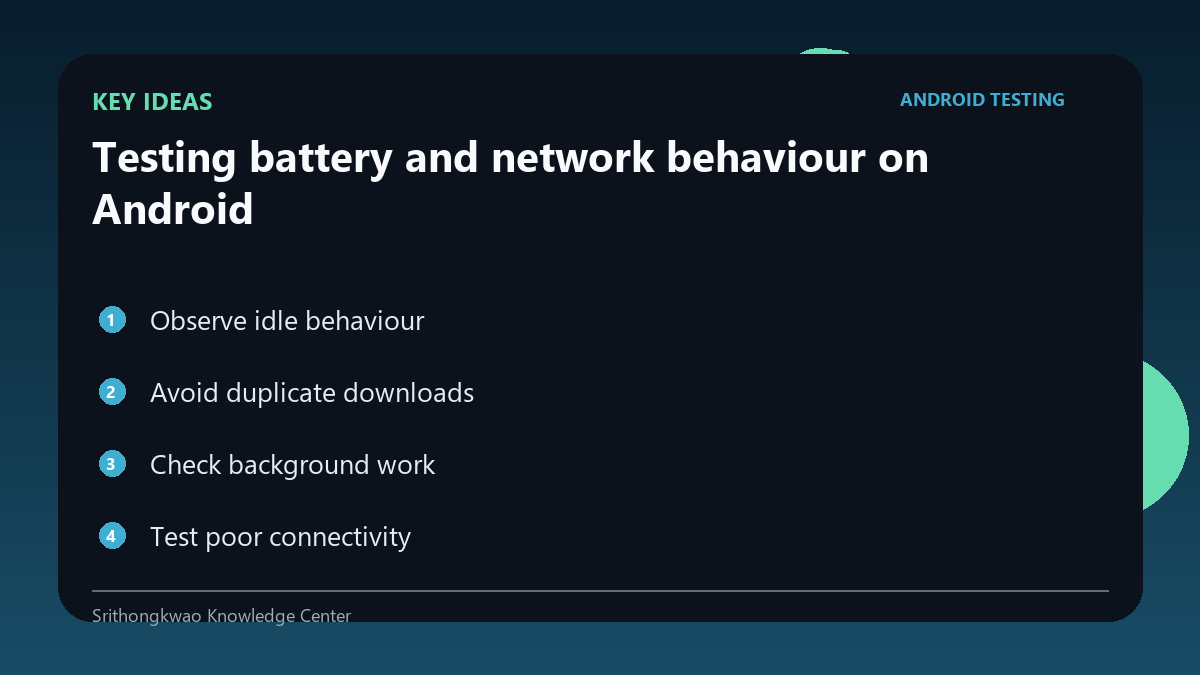
Check background work
Scheduled jobs and background services should have a clear product purpose.
Verify they stop or scale back when the feature is disabled.
Test poor connectivity
Weak networks can cause repeated retries that consume both energy and data.
Use bounded backoff rather than aggressive retry loops.
Measure before optimizing
Battery complaints can have many causes.
Use profiling and network evidence rather than guessing from one device impression.
Common mistakes to avoid
- Polling continuously without need.
- Redownloading unchanged assets.
- Retrying rapidly on a failing network.
Practical checklist
- Observe idle state.
- Check repeated downloads.
- Review background jobs.
- Test weak network.
- Use profiling evidence.
Frequently asked questions
Can network retries drain battery?
Yes. Repeated radio and CPU activity can increase energy use.
Should every screen refetch on entry?
Not necessarily; freshness requirements and caching policy should guide the decision.
How do I know what is using battery?
Use appropriate Android profiling and system diagnostic tools rather than intuition alone.