
Testing practice: For Test the first request, define a reproducible starting state, perform one controlled change at a time and record the result. Good testing evidence helps another person repeat the same path without guessing what happened.
Evidence quality: A useful report separates observation from theory. Record version, device context, steps, expected result and actual result while removing passwords, authentication codes and unrelated personal information from evidence.
Test the first request
The user should understand why the permission is needed at the moment it becomes relevant.
Avoid requesting unrelated permissions at launch without context.
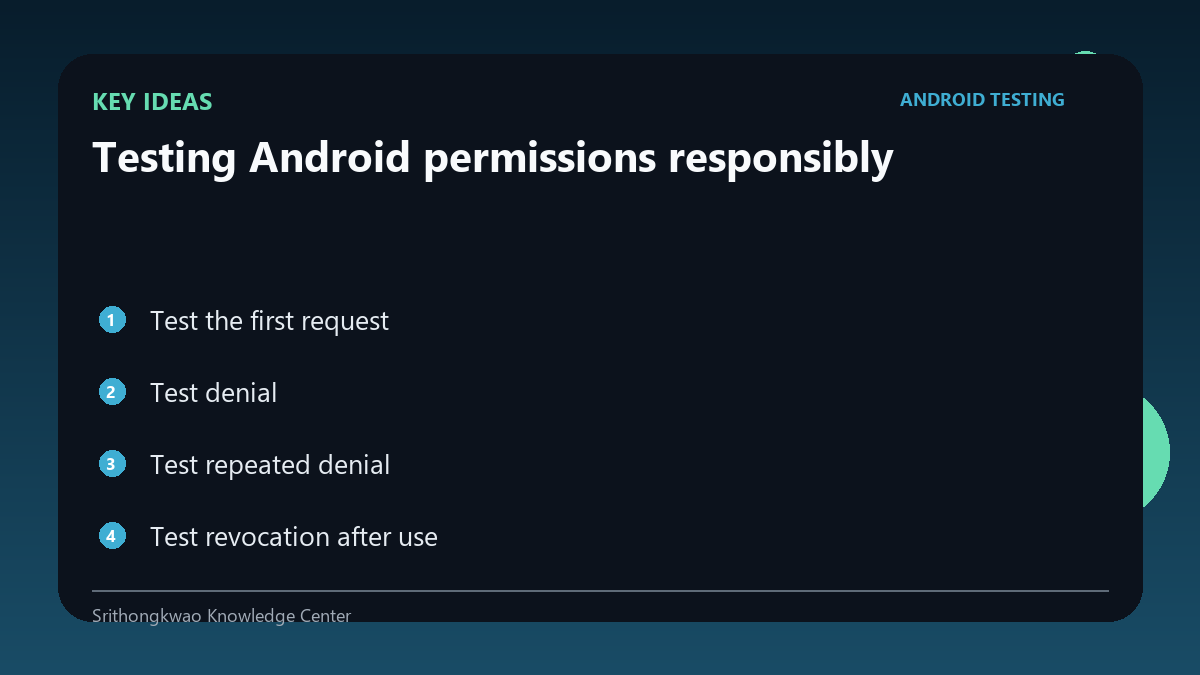
Test denial
A denied permission should not create a crash or endless prompt loop.
Provide a clear fallback or explanation when the feature genuinely cannot continue.
Test repeated denial
Android may change prompt behaviour after repeated denial or when do not ask again states apply.
The app should direct users to settings only when appropriate and avoid coercive messaging.
Test revocation after use
Users can remove permissions later in system settings.
Return to the app and verify that stored assumptions do not cause failure.
Minimize scope
Ask only for access required by the feature.
Testing should flag broad or unnecessary permission requests as product-quality issues.
Common mistakes to avoid
- Testing only the allowed path.
- Looping prompts after denial.
- Requesting more access than the feature needs.
Practical checklist
- Test allow.
- Test deny.
- Test repeated denial.
- Revoke later.
- Verify least privilege.
Frequently asked questions
Should a denied permission crash the app?
No. The app should handle denial intentionally.
When should settings be suggested?
When the feature needs permission and normal prompting is no longer available or the user chooses to change it.
Why test revocation?
Permission state can change after the app previously received access.