
User control: Identify secrets first should be explained in plain language before a user is expected to make a privacy or permission choice. A permission can often be denied, limited or changed later through browser or Android settings.
Data-minimization principle: How to redact screenshots before sharing them should use only the information needed for the stated purpose. Users should avoid sharing secrets or unrelated personal information simply because a form, screenshot or upload makes it technically possible.
Identify secrets first
Passwords, verification codes, payment information and authentication tokens should never appear in shared evidence.
If a secret was exposed, replace or revoke it rather than relying only on image blur.
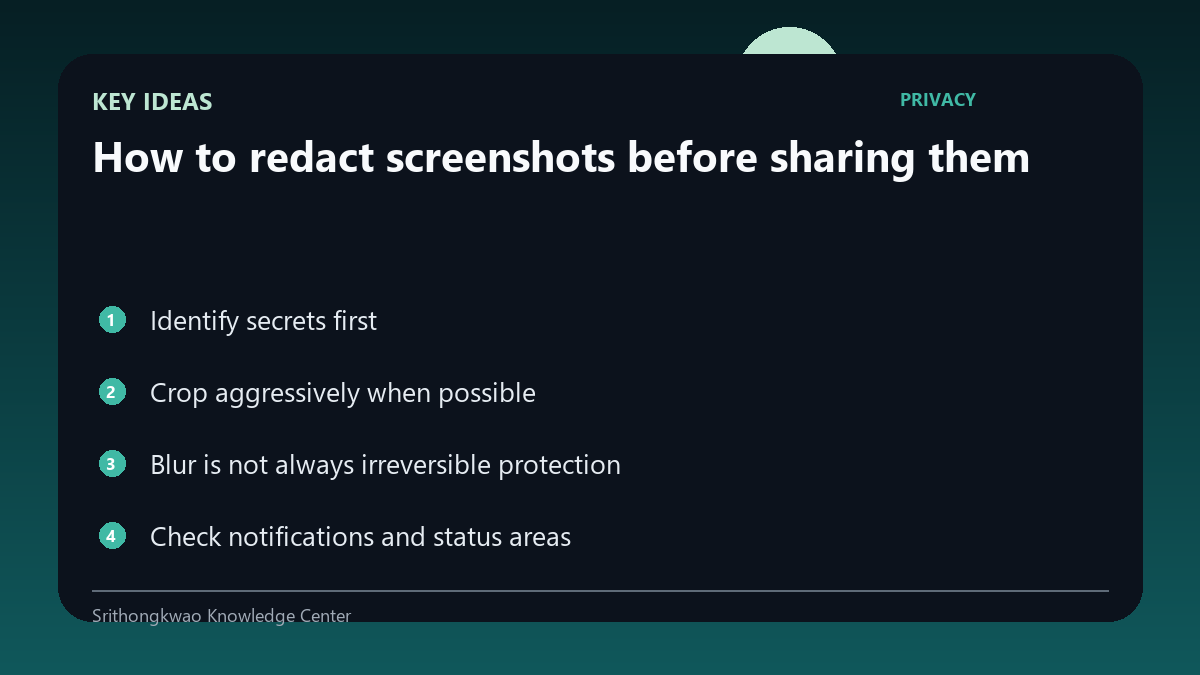
Crop aggressively when possible
A small crop around the broken control reveals less than a full-screen image.
Keep enough surrounding context to identify the feature and state.
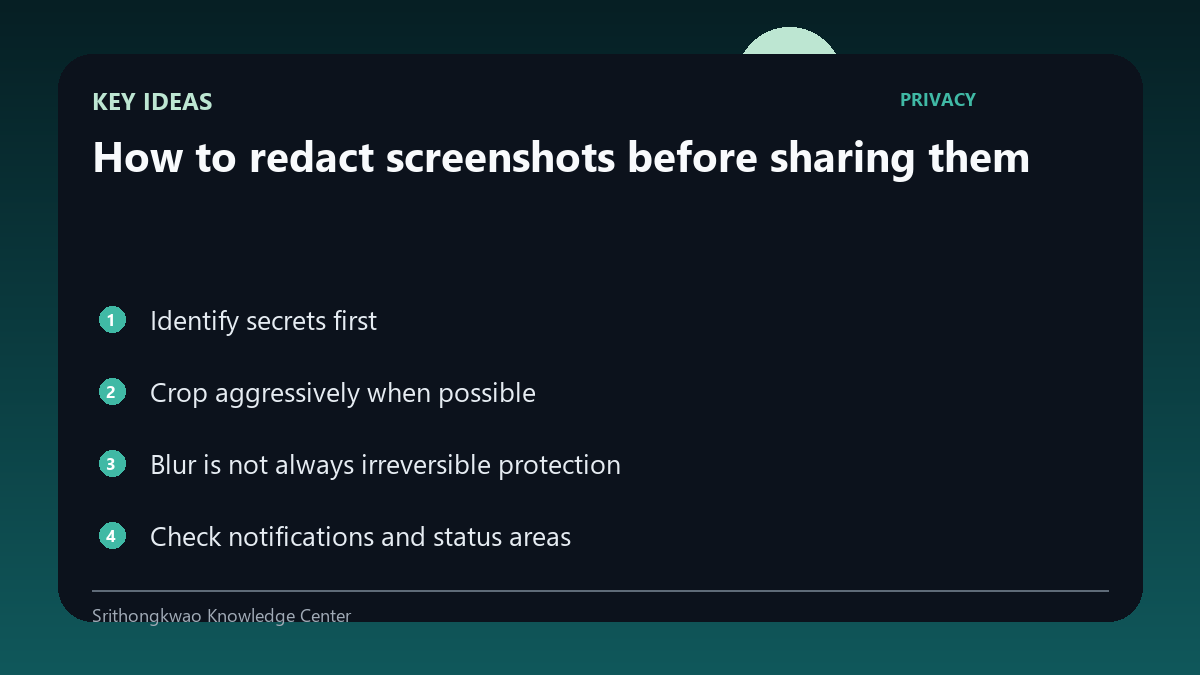
Blur is not always irreversible protection
Weak blur can sometimes leave patterns readable or recoverable.
Use solid masking for highly sensitive text when editing tools allow it.
Check notifications and status areas
Screenshots can capture message previews, contact names and other app notifications.
Review the entire image, including status bars and overlays.
Use test accounts for repeatable evidence
A dedicated account can demonstrate the same issue without exposing real personal content.
This is often safer than repeatedly redacting production data.
Common mistakes to avoid
- Blurring a password lightly.
- Forgetting notification banners.
- Sharing the entire screen when a crop is enough.
Practical checklist
- Crop first.
- Mask secrets.
- Check overlays.
- Use test accounts.
- Revoke any exposed credential.
Frequently asked questions
Is blur always safe?
Not for highly sensitive data; solid masking is safer.
Should I hide my email address?
If it is unnecessary to prove the issue, redact it.
What if a real password was captured?
Change or revoke the credential in addition to removing it from shared evidence.