
User control: Inspect the entire frame should be explained in plain language before a user is expected to make a privacy or permission choice. A permission can often be denied, limited or changed later through browser or Android settings.
Data-minimization principle: Image upload privacy: a checklist before sending a photo should use only the information needed for the stated purpose. Users should avoid sharing secrets or unrelated personal information simply because a form, screenshot or upload makes it technically possible.
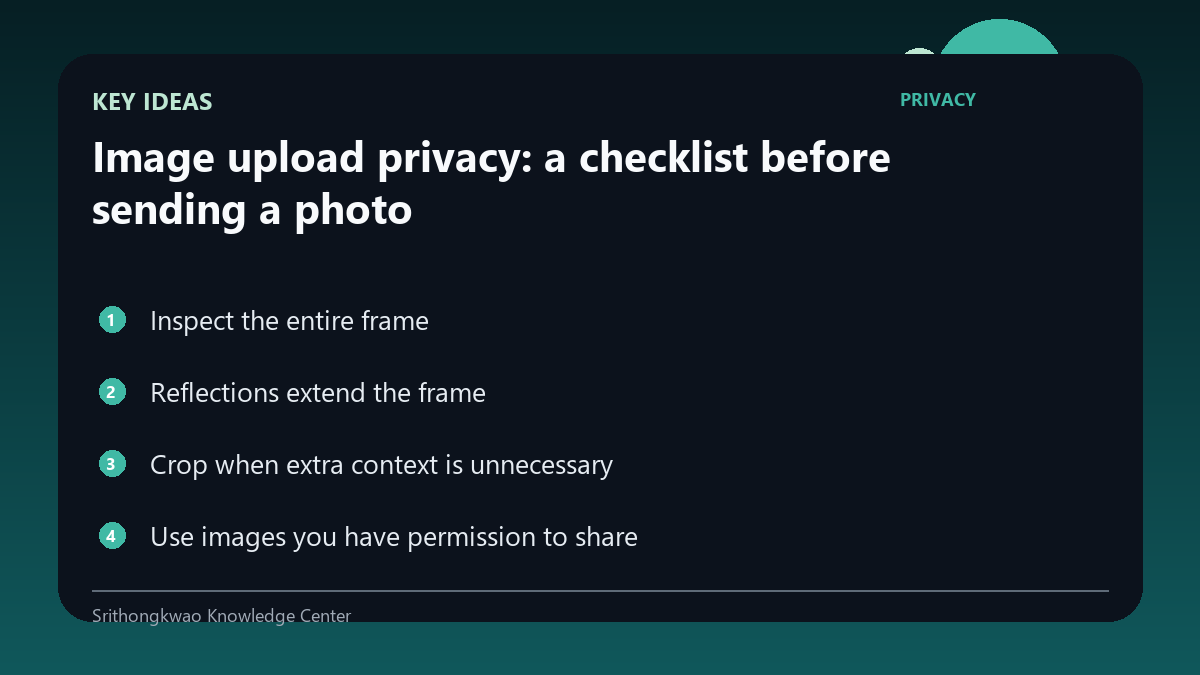
Inspect the entire frame
A palm or face photo may also show a room, computer screen, family member or address.
Zoom out and inspect edges and background before uploading.
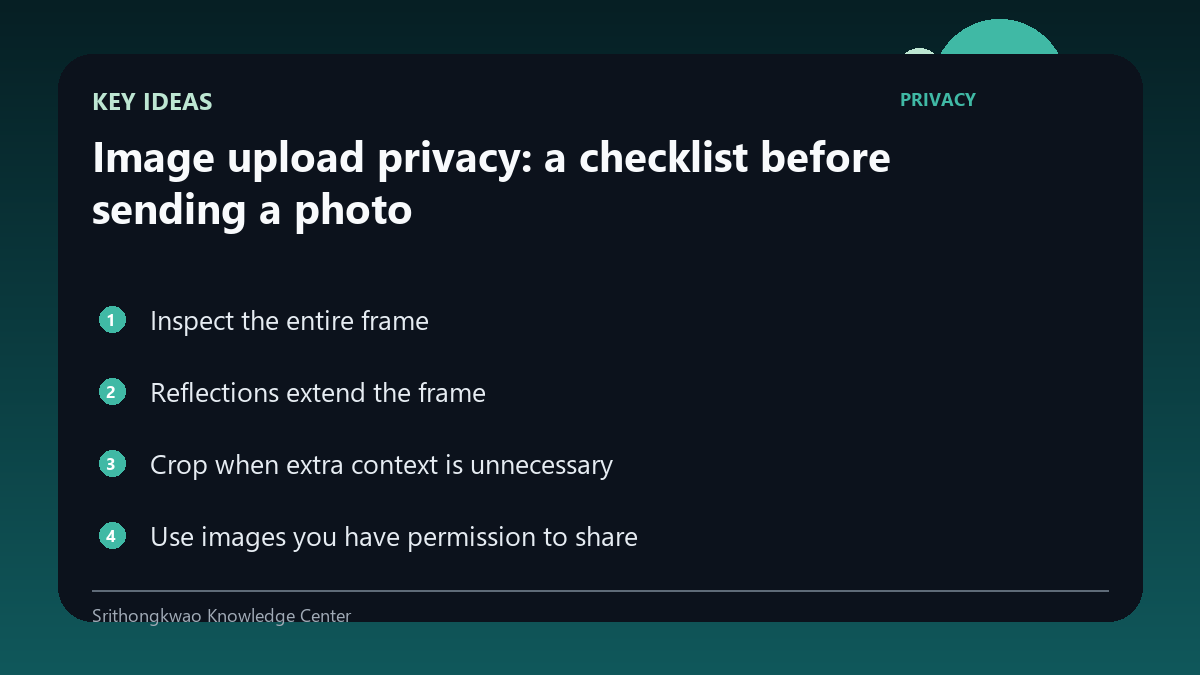
Reflections extend the frame
Mirrors, windows and glossy surfaces can reveal areas behind the camera.
Check reflections as carefully as the main subject.
Crop when extra context is unnecessary
Removing unrelated background can reduce exposure without affecting the feature.
Do not crop away information the feature genuinely needs, such as the whole hand for a palm-reading workflow.
Use images you have permission to share
Another person's face or private space may appear in the photograph.
Obtain appropriate permission and avoid uploading bystanders unnecessarily.
Understand product retention
The privacy policy should explain whether images are stored, processed temporarily or deleted according to a stated rule.
Do not assume every service handles uploads the same way.
Common mistakes to avoid
- Looking only at the main subject.
- Ignoring mirrors.
- Uploading other people without permission.
Practical checklist
- Inspect the background.
- Check reflections.
- Crop unnecessary context.
- Confirm permission.
- Read image-retention policy.
Frequently asked questions
Why are mirrors a privacy risk?
They can reveal people or rooms outside the intended frame.
Should I crop every image?
Crop unrelated context, but keep the information the feature needs.
Are all uploaded images stored permanently?
No universal rule exists; review the specific product's privacy policy.