User control: Permission should match a clear benefit should be explained in plain language before a user is expected to make a privacy or permission choice. A permission can often be denied, limited or changed later through browser or Android settings.
Data-minimization principle: Notification permission and user control should use only the information needed for the stated purpose. Users should avoid sharing secrets or unrelated personal information simply because a form, screenshot or upload makes it technically possible.
Permission should match a clear benefit
A notification request makes more sense after the user encounters a feature that can send useful updates.
Avoid asking immediately when the user has not yet seen why notifications matter.
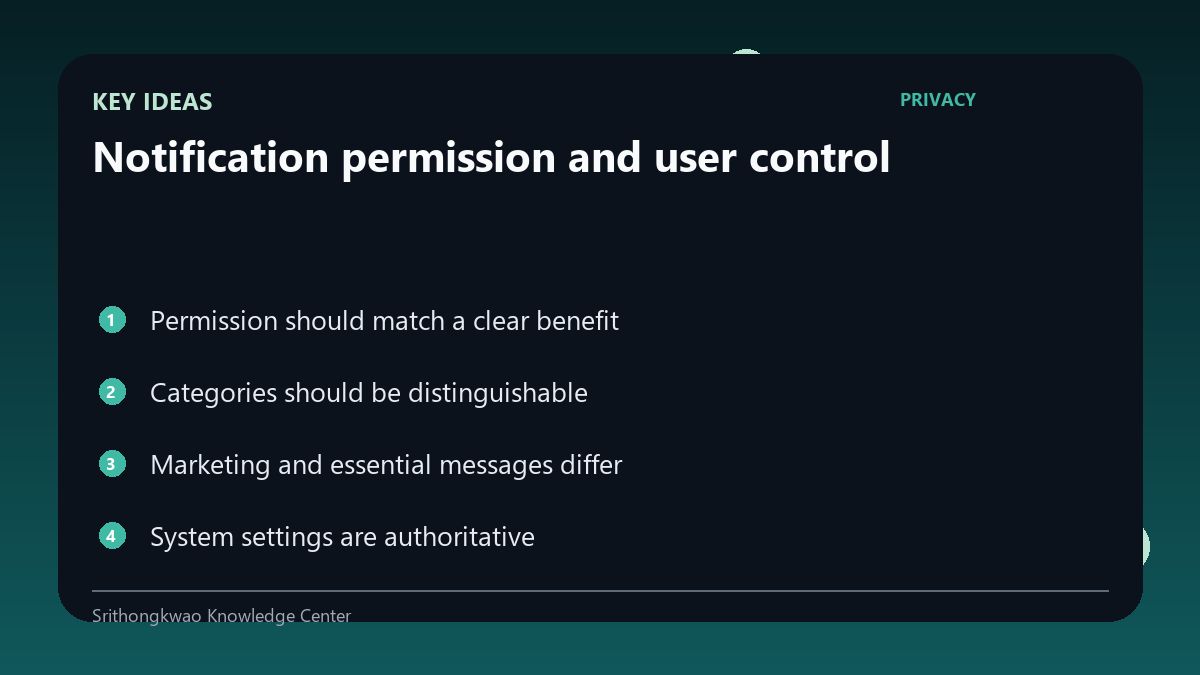
Categories should be distinguishable
Android notification channels can separate service updates, reminders and other message types.
Clear categories let users reduce unwanted messages without disabling everything.
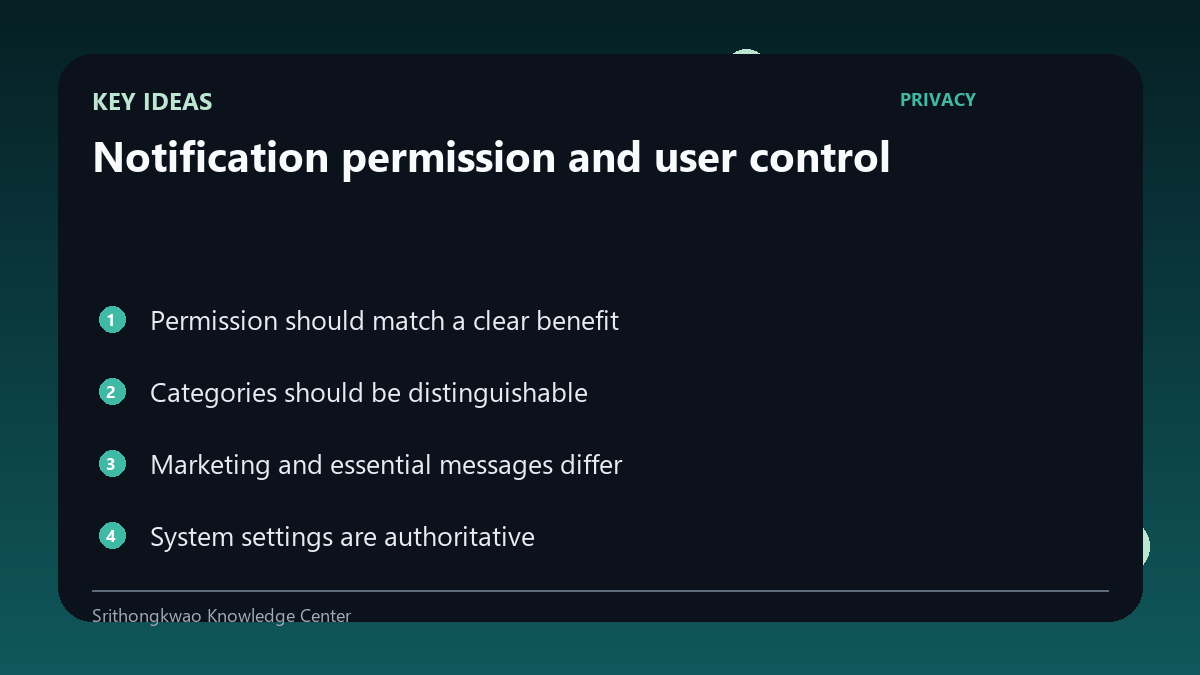
Marketing and essential messages differ
Promotional content should not be disguised as urgent operational information.
Product design should make the nature of a message clear.
System settings are authoritative
Users can disable channels or all app notifications from Android settings.
The product should respect those choices rather than trying to bypass them.
Notifications can expose private text
Lock-screen previews may reveal message content to anyone who can see the device.
Sensitive products should consider how much detail belongs in notification text.
Common mistakes to avoid
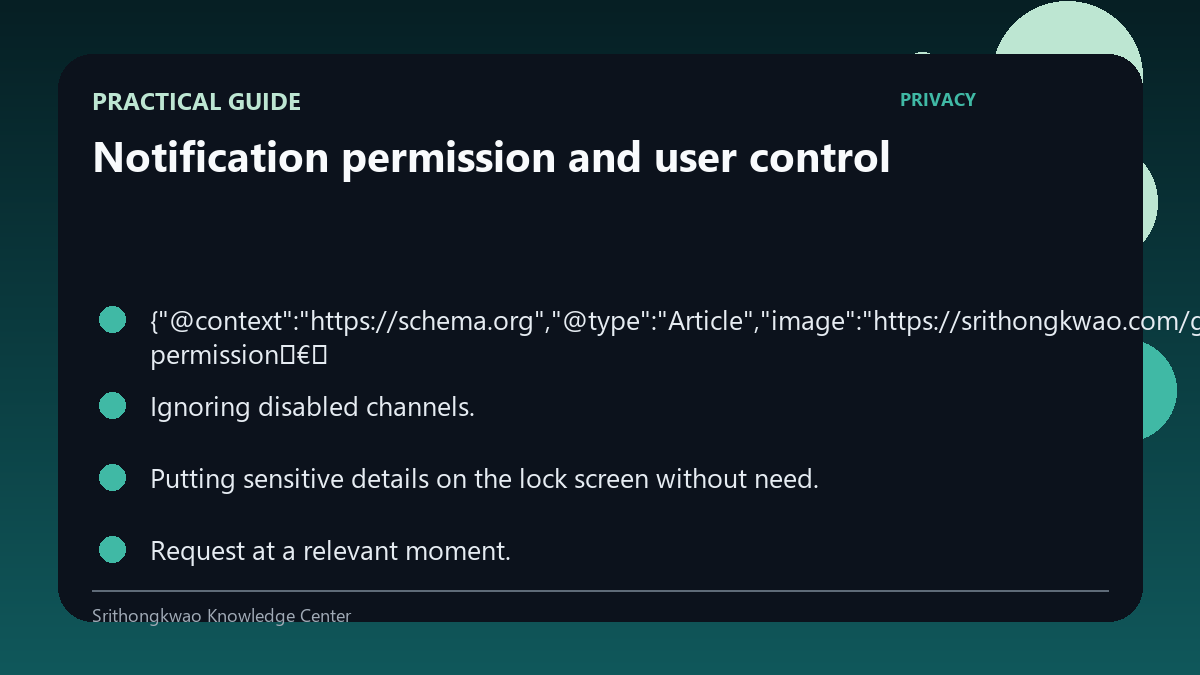
- Using urgent styling for ordinary promotion.
- Ignoring disabled channels.
- Putting sensitive details on the lock screen without need.
Practical checklist
- Request at a relevant moment.
- Use clear categories.
- Respect system settings.
- Limit sensitive preview text.
- Offer understandable preferences.
Frequently asked questions
Can I disable one kind of notification?
Android channels can support category-level control when the app implements them appropriately.
Should marketing look like a security alert?
No. The purpose and urgency of messages should be communicated honestly.
Why care about lock-screen text?
Notifications may be visible before the device is unlocked.