
User control: Prefer scoped selection where possible should be explained in plain language before a user is expected to make a privacy or permission choice. A permission can often be denied, limited or changed later through browser or Android settings.
Data-minimization principle: Photo and file access: sharing only what a feature needs should use only the information needed for the stated purpose. Users should avoid sharing secrets or unrelated personal information simply because a form, screenshot or upload makes it technically possible.
Prefer scoped selection where possible
Modern platforms can let a user choose specific images instead of granting broad library access.
A product should use the narrowest access model that supports the feature.
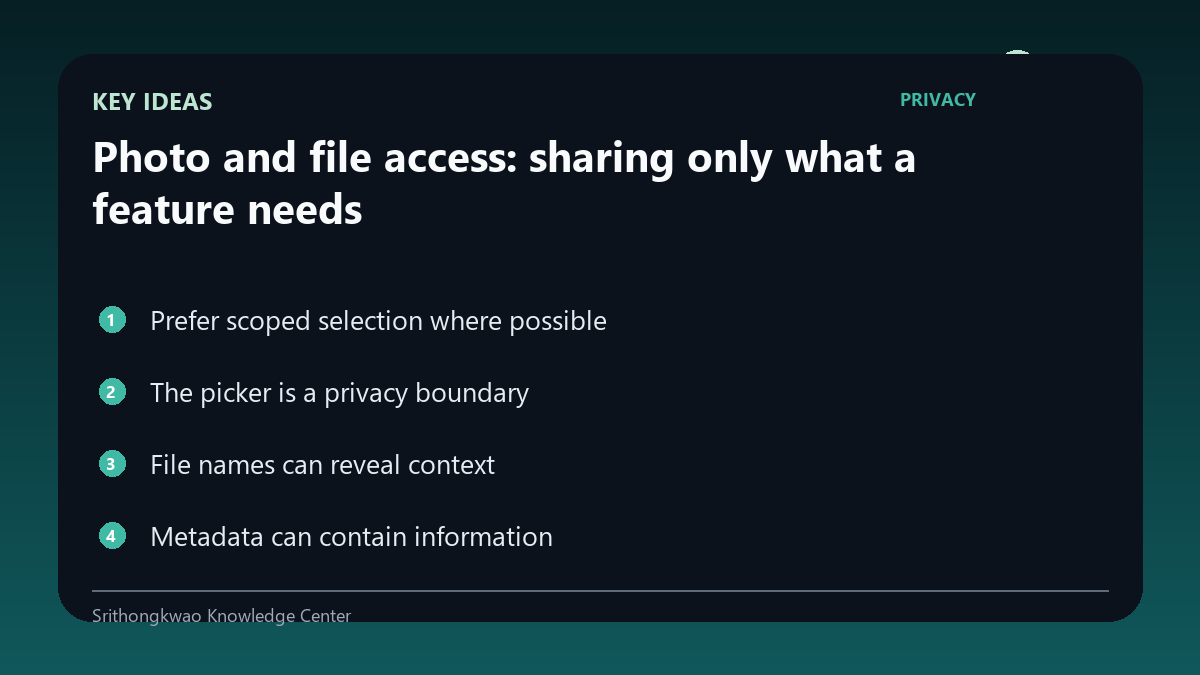
The picker is a privacy boundary
A system photo picker can allow selection without exposing every file to the app.
Users should still review the chosen image for private background details.
File names can reveal context
Documents and photos may contain names, dates or folder information beyond the visible content.
Only upload files that are relevant to the requested task.
Metadata can contain information
Images can contain technical metadata depending on how they were captured and processed.
Products should not rely on hidden metadata when the visible feature does not need it.
Deletion and temporary files matter
Apps may create temporary copies during processing.
Storage and retention behaviour should be documented and unnecessary temporary data should be cleaned appropriately.
Common mistakes to avoid
- Granting broad storage access when a picker is enough.
- Uploading unrelated documents.
- Ignoring temporary copies.
Practical checklist
- Use scoped selection.
- Review the chosen file.
- Avoid unrelated content.
- Check privacy policy.
- Remove unnecessary temporary data.
Frequently asked questions
Does selecting one photo require full library access?
Not always; modern system pickers can support more limited selection.
Can photos contain hidden metadata?
They can contain technical metadata depending on format and capture settings.
Why do temporary files matter?
Processing copies can persist if an app does not manage them responsibly.