
User control: Users can change their mind should be explained in plain language before a user is expected to make a privacy or permission choice. A permission can often be denied, limited or changed later through browser or Android settings.
Data-minimization principle: Revoking permissions after you have already allowed them should use only the information needed for the stated purpose. Users should avoid sharing secrets or unrelated personal information simply because a form, screenshot or upload makes it technically possible.
Users can change their mind
Android and browsers provide settings for changing previously granted access.
Products should be designed for permission state to change between sessions.
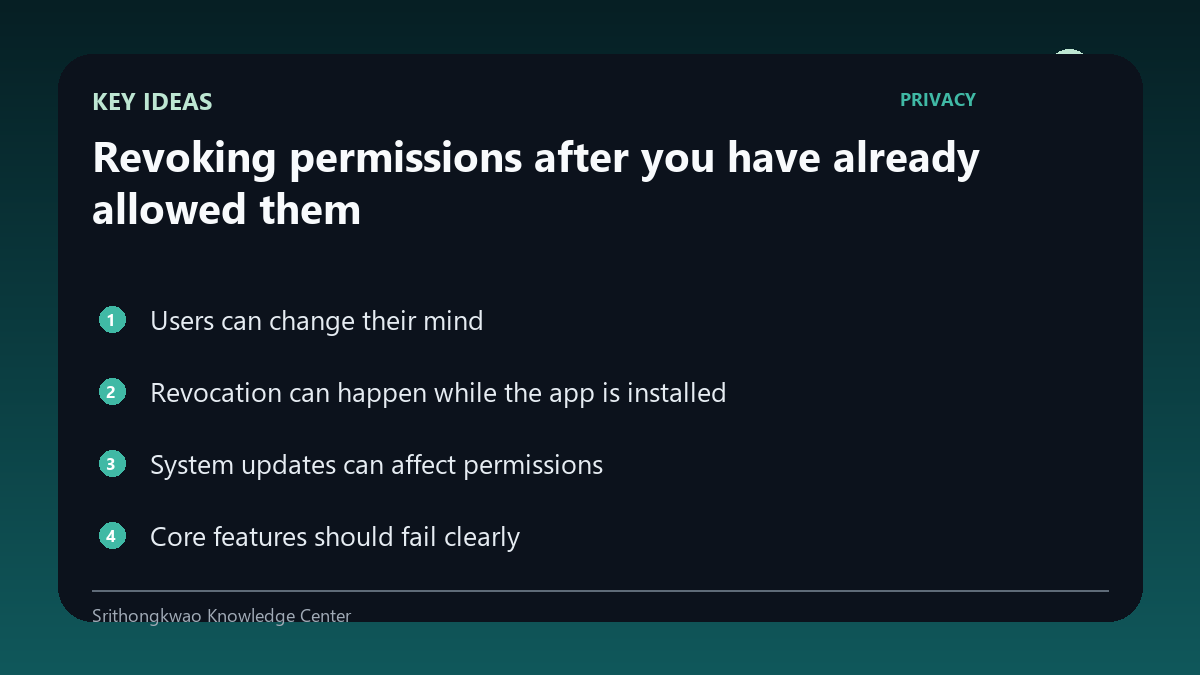
Revocation can happen while the app is installed
A user may remove location or camera access without uninstalling.
The next feature use should re-check permission instead of assuming the old state.
System updates can affect permissions
Platforms can reset, restrict or change permission behaviour over time.
Testing should include returning users after updates or long periods of inactivity.
Core features should fail clearly
If a feature cannot work without a revoked permission, explain what is needed and offer alternatives where possible.
Do not crash or silently produce misleading results.
Privacy choices should not be punished
Optional permission denial should not disable unrelated features.
Keep feature dependencies as narrow as practical.
Common mistakes to avoid
- Assuming permission never changes.
- Crashing after revocation.
- Blocking unrelated features.
Practical checklist
- Re-check state.
- Explain feature dependency.
- Offer alternatives.
- Test after updates.
- Keep unrelated features usable.
Frequently asked questions
Can I revoke permission without uninstalling?
Yes. Platform settings generally allow this.
What should the app do afterward?
It should detect the new state and handle the affected feature clearly.
Should denying camera disable weather?
Unrelated features should not be disabled merely because an optional permission was denied.