User control: Use unique credentials should be explained in plain language before a user is expected to make a privacy or permission choice. A permission can often be denied, limited or changed later through browser or Android settings.
Data-minimization principle: Account security basics for app and web users should use only the information needed for the stated purpose. Users should avoid sharing secrets or unrelated personal information simply because a form, screenshot or upload makes it technically possible.
Use unique credentials
Reusing a password across services means one breach can affect several accounts.
A password manager can help create and store distinct credentials.
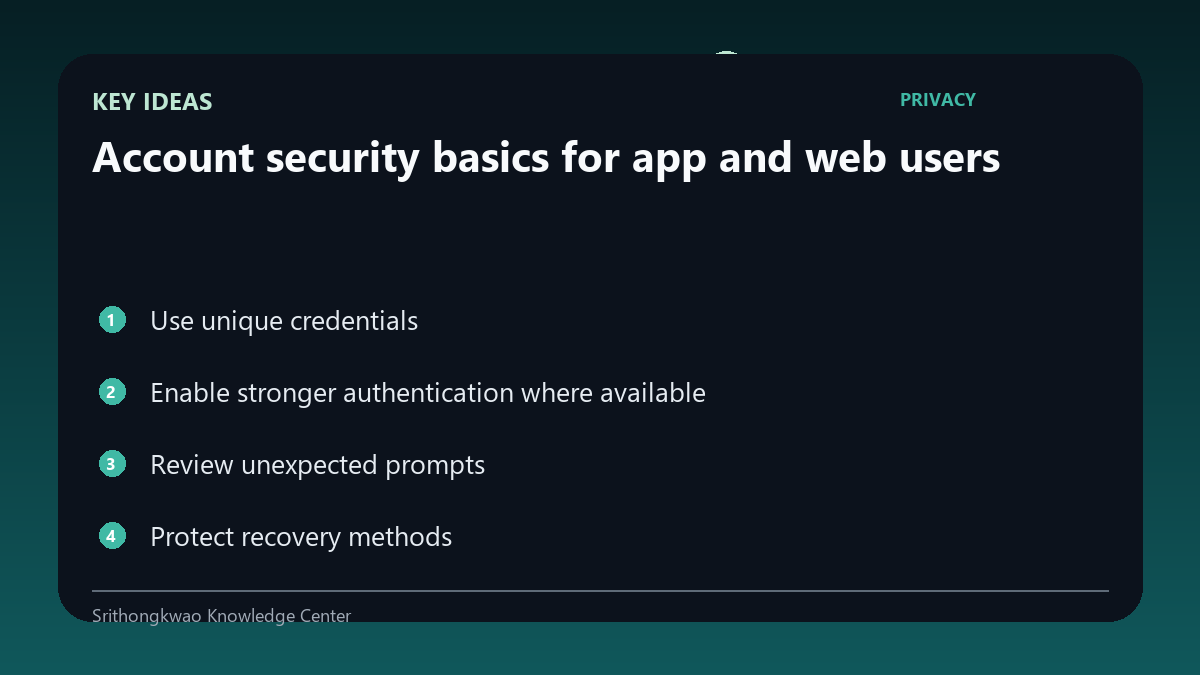
Enable stronger authentication where available
Multi-factor methods add another barrier when a password is exposed.
Choose methods supported by the service and keep recovery options current.
Review unexpected prompts
A sign-in code or approval request you did not initiate can indicate someone else is attempting access.
Do not approve unexpected requests simply to make the notification disappear.
Protect recovery methods
Email accounts and recovery numbers can become the path used to reset another account.
Keep recovery channels secure and updated.
Use official domains and apps
Phishing pages can imitate real brands and collect credentials.
Open account settings from known official destinations instead of unknown message links.
Common mistakes to avoid
- Reusing the same password everywhere.
- Approving an unexpected sign-in prompt.
- Entering credentials on an unverified domain.
Practical checklist
- Use unique passwords.
- Enable MFA where available.
- Secure recovery methods.
- Review unexpected prompts.
- Use official destinations.
Frequently asked questions
Why is password reuse risky?
A leaked credential from one service can be tried against other accounts.
Should I approve a prompt I did not start?
No. Treat unexpected authentication requests as suspicious.
Is MFA perfect protection?
No single control is perfect, but additional authentication can reduce account risk.