
User control: Ask at the moment of need should be explained in plain language before a user is expected to make a privacy or permission choice. A permission can often be denied, limited or changed later through browser or Android settings.
Data-minimization principle: Camera permission: what users should understand before allowing access should use only the information needed for the stated purpose. Users should avoid sharing secrets or unrelated personal information simply because a form, screenshot or upload makes it technically possible.
Ask at the moment of need
A camera permission is easier to understand when it appears after the user chooses a feature that requires capture.
Requesting access long before the feature is used makes the purpose less clear.
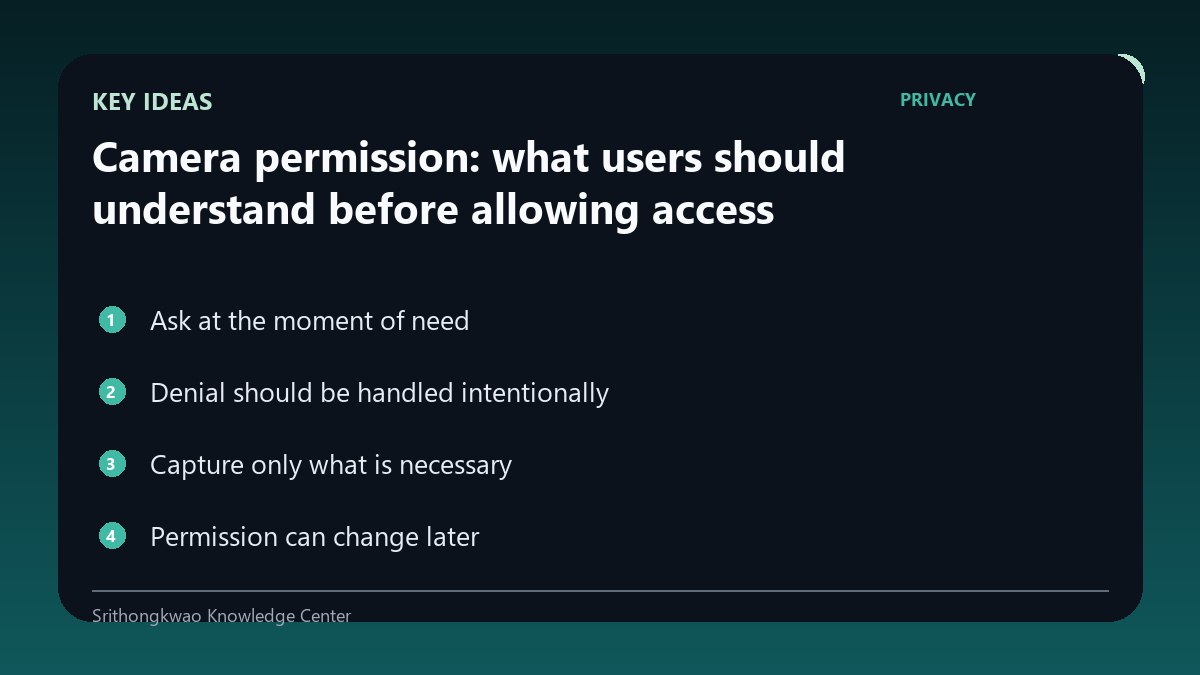
Denial should be handled intentionally
A user may decline camera access or prefer an upload route where the product supports one.
The app should explain what cannot continue without trapping the user in repeated prompts.
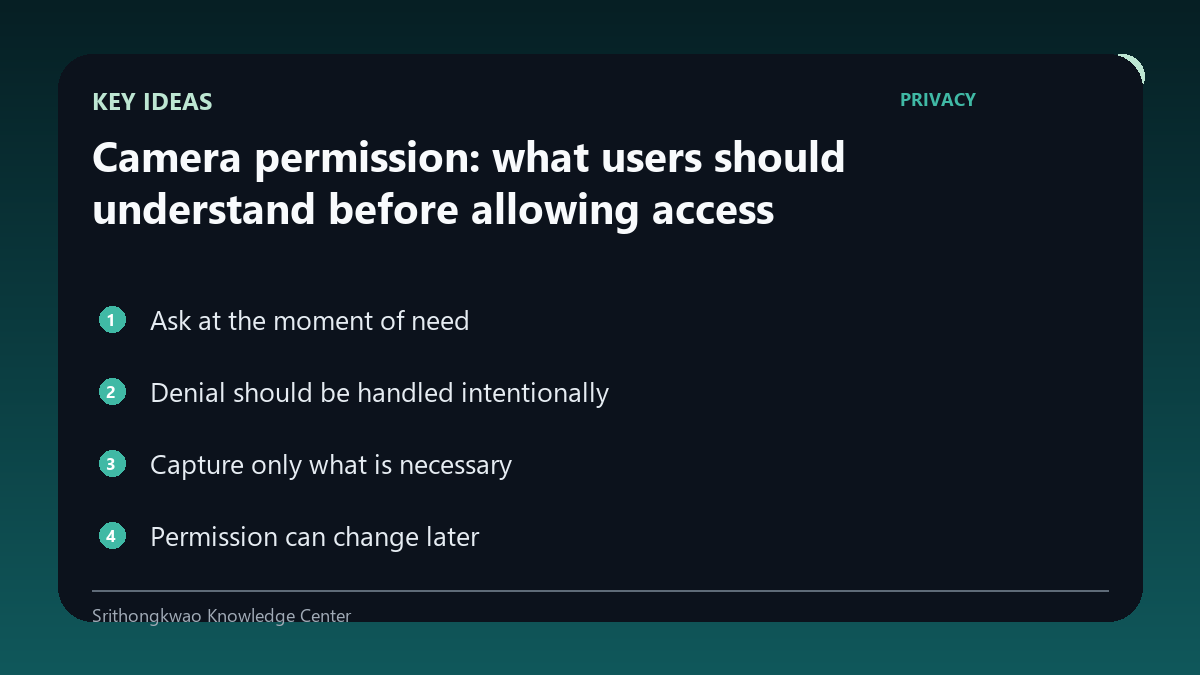
Capture only what is necessary
A face, palm or room feature does not need every object in the surrounding environment.
Frame the relevant subject and keep unrelated people, documents and screens out of view.
Permission can change later
Android and browsers allow users to revoke or modify permissions after they were previously granted.
A well-designed product should re-check state instead of assuming access remains forever.
Camera access is not background surveillance
A permission enables technical access within the operating-system rules, but responsible use should remain tied to an explicit product action.
Users should understand when capture occurs and what happens to the resulting image.
Common mistakes to avoid
- Requesting camera access with no visible reason.
- Looping permission prompts after denial.
- Including private background details unnecessarily.
Practical checklist
- Ask when needed.
- Explain the purpose.
- Support denial.
- Review the frame.
- Respect later revocation.
Frequently asked questions
Can I revoke camera permission later?
Yes. Browser or Android settings generally allow permission changes.
Does allowing camera mean every photo is uploaded?
Permission alone does not define data handling; the product policy and feature flow should explain what happens to captured images.
What if I do not want camera access?
Use an alternative such as image upload where the product provides one, or do not use that camera-dependent feature.