
User control: Session data keeps workflows together should be explained in plain language before a user is expected to make a privacy or permission choice. A permission can often be denied, limited or changed later through browser or Android settings.
Data-minimization principle: Cookies and local storage: what a website can keep in the browser should use only the information needed for the stated purpose. Users should avoid sharing secrets or unrelated personal information simply because a form, screenshot or upload makes it technically possible.
Session data keeps workflows together
A website may use cookies or similar mechanisms to maintain a signed-in or multi-step session.
Removing session data can sign a user out or reset an unfinished workflow.
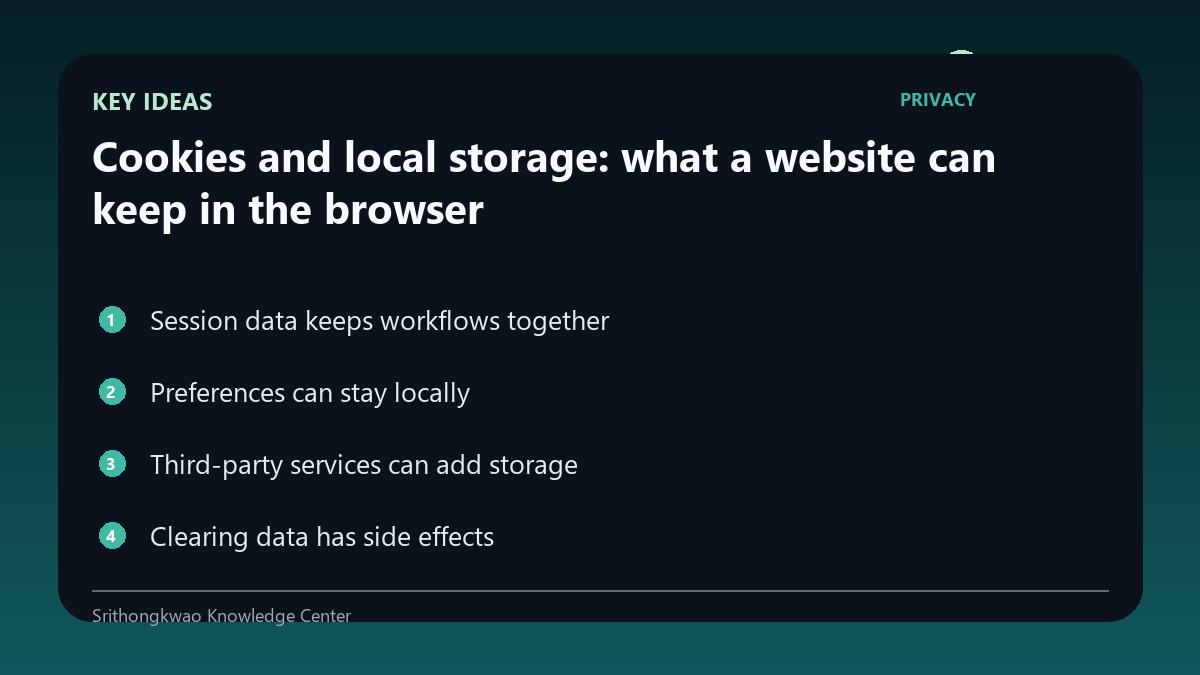
Preferences can stay locally
Language, theme or dismissed notices may be stored in the browser.
Local storage can improve convenience without requiring the value to be sent on every page request.
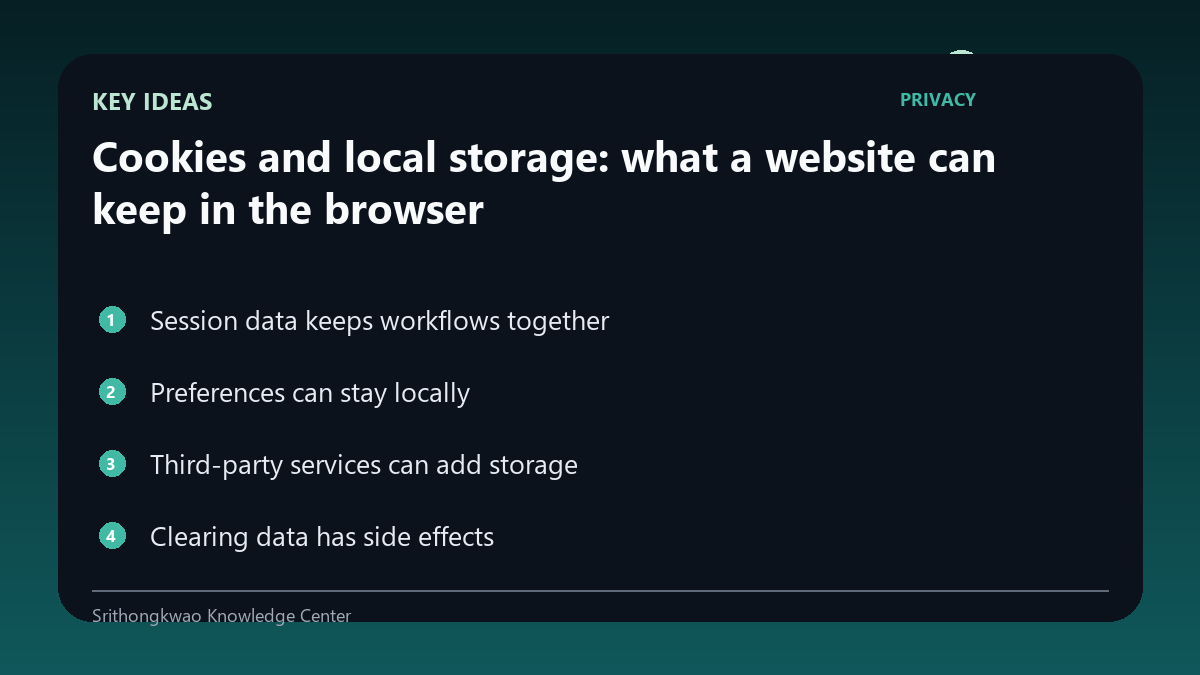
Third-party services can add storage
Advertising, analytics or embedded services may create their own browser storage subject to configuration and consent.
Privacy policies should identify relevant third-party categories.
Clearing data has side effects
Removing site data can solve stale-state problems but can also delete saved preferences or sessions.
Users should know what they may need to set up again.
Browser controls are useful
Modern browsers provide site-level controls for cookies, permissions and stored data.
These controls give users an independent way to reset or restrict a site.
Common mistakes to avoid
- Assuming every cookie is advertising.
- Clearing site data without realizing it may sign you out.
- Ignoring third-party storage.
Practical checklist
- Understand session use.
- Review browser site settings.
- Know what preferences may reset.
- Check third-party disclosures.
- Use consent controls where available.
Frequently asked questions
Are cookies always for tracking?
No. They can support sessions, security and preferences as well as advertising or analytics.
What happens if I clear site data?
You may be signed out and lose locally stored preferences.
Can I control one website separately?
Modern browsers commonly provide per-site privacy and permission controls.