
User control: Local app data is tied to installation should be explained in plain language before a user is expected to make a privacy or permission choice. A permission can often be denied, limited or changed later through browser or Android settings.
Data-minimization principle: What uninstalling an Android app does and does not mean for data should use only the information needed for the stated purpose. Users should avoid sharing secrets or unrelated personal information simply because a form, screenshot or upload makes it technically possible.
Local app data is tied to installation
Android normally removes app-private installed data when an app is uninstalled, subject to platform and backup behaviour.
This does not automatically send a deletion request to every server the app has used.
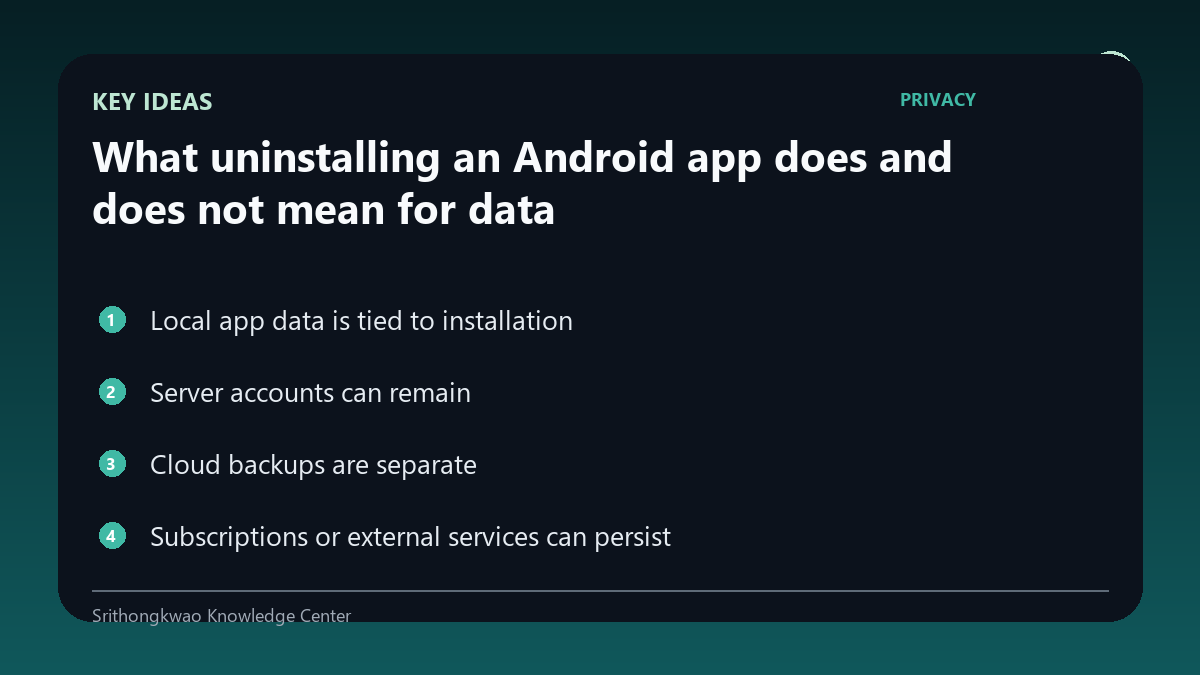
Server accounts can remain
An online account may continue to exist so the user can reinstall and sign in later.
Use the account-deletion process if permanent server-side deletion is desired.
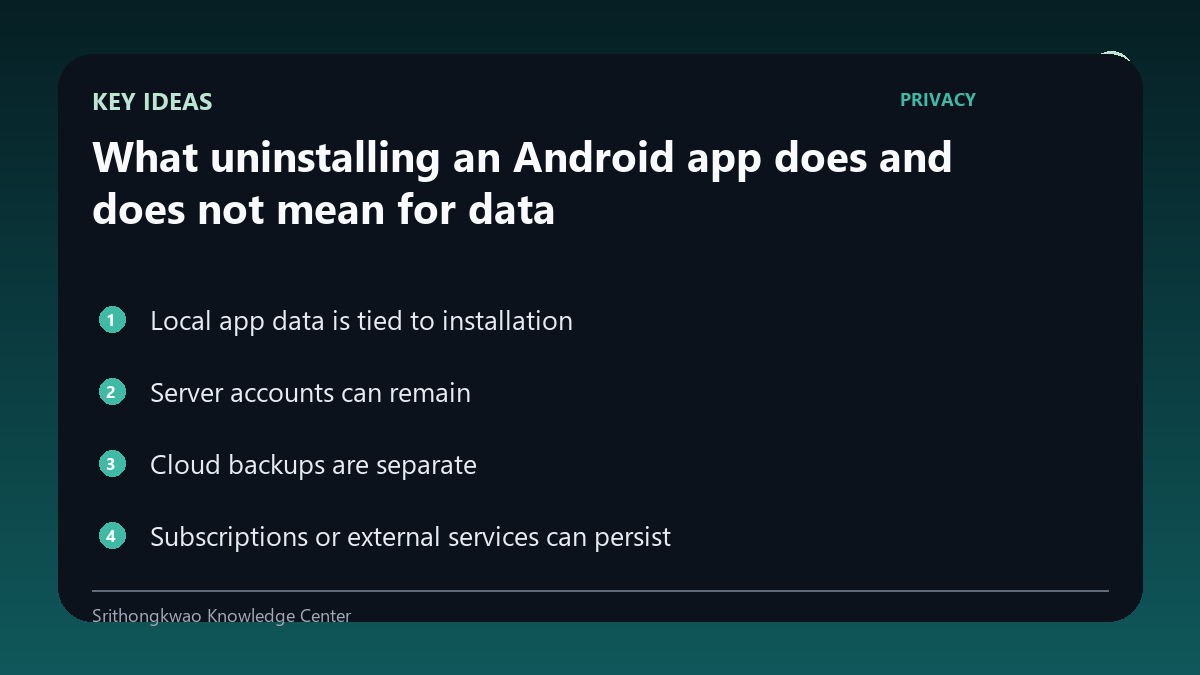
Cloud backups are separate
Platform backup systems can preserve some app state depending on settings and app configuration.
Users should review platform backup controls for their device.
Subscriptions or external services can persist
Uninstalling an app does not necessarily cancel an external subscription or third-party account.
Use the official subscription or account controls where relevant.
Privacy policies should distinguish actions
A product should not imply uninstall equals account deletion unless that is actually implemented.
Clear wording helps users choose the correct action.
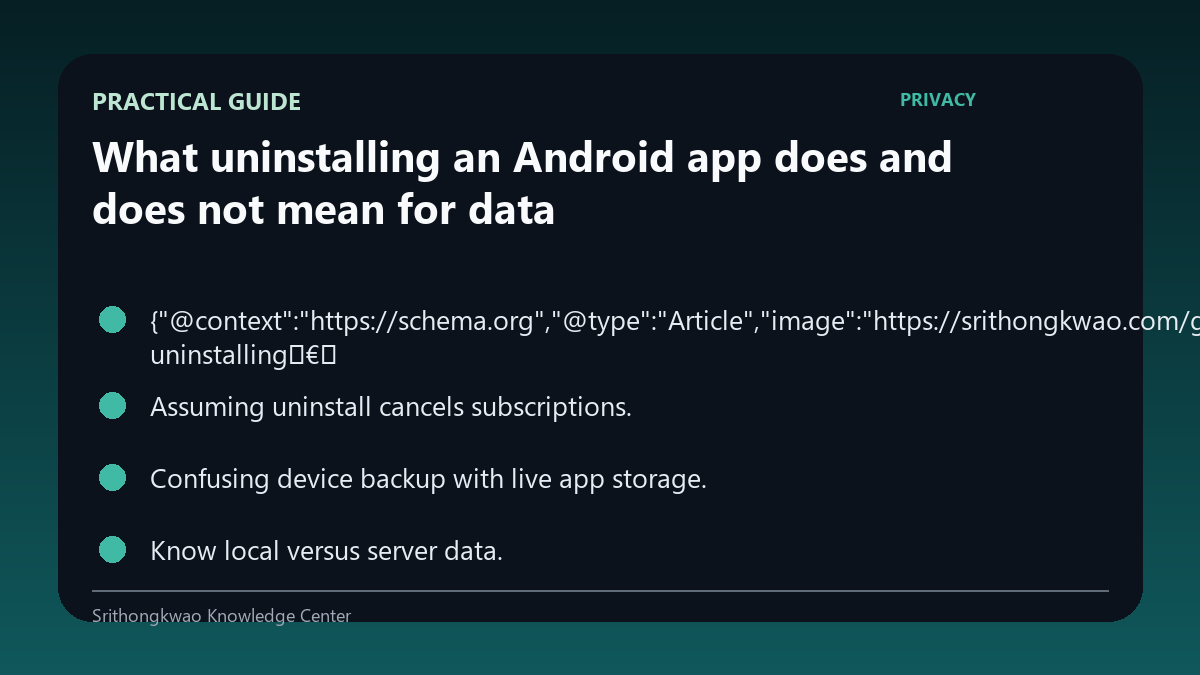
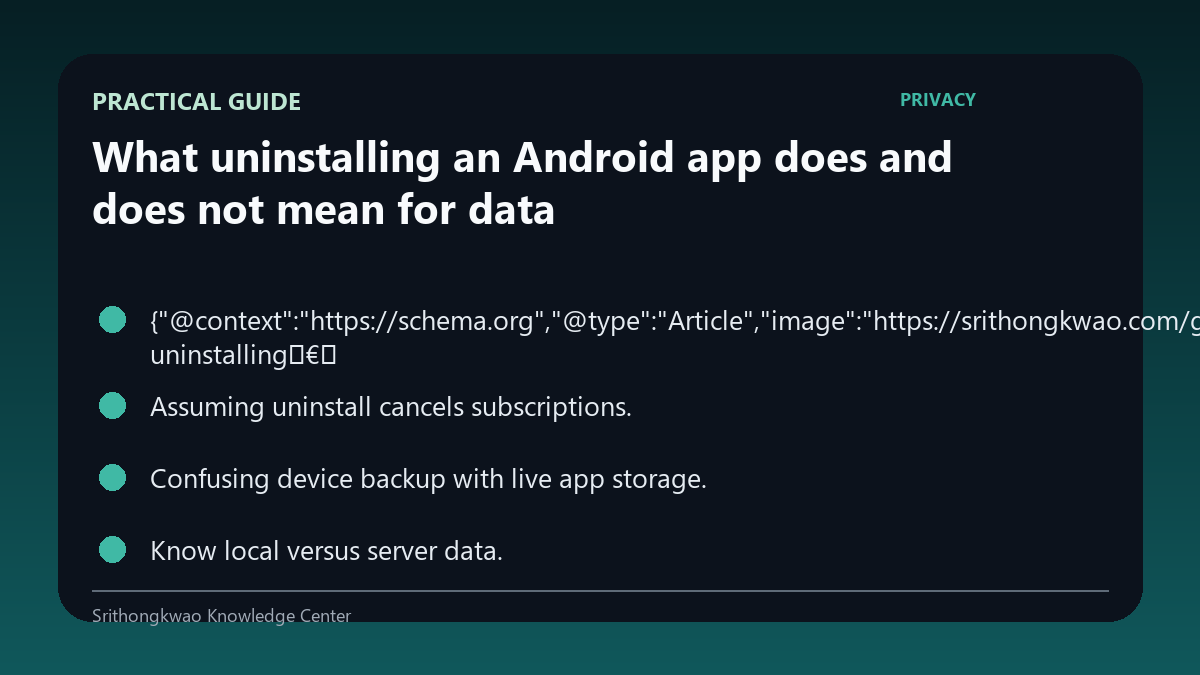
Common mistakes to avoid
- Assuming uninstall deletes every server record.
- Assuming uninstall cancels subscriptions.
- Confusing device backup with live app storage.
Practical checklist
- Know local versus server data.
- Use account deletion when needed.
- Check backup settings.
- Cancel subscriptions separately.
- Read product instructions.
Frequently asked questions
Does uninstall delete my online account?
Not necessarily. Account deletion can be a separate action.
Does uninstall cancel billing?
Not automatically for every service; use the relevant subscription controls.
Can data return after reinstall?
Backups or server accounts can restore some information depending on configuration.