
User control: Location permission has levels should be explained in plain language before a user is expected to make a privacy or permission choice. A permission can often be denied, limited or changed later through browser or Android settings.
Data-minimization principle: Location permission: precise, approximate and manual alternatives should use only the information needed for the stated purpose. Users should avoid sharing secrets or unrelated personal information simply because a form, screenshot or upload makes it technically possible.
Location permission has levels
Modern devices can offer approximate and precise location depending on platform and settings.
Choose the least precise level that still meets the feature need when that option exists.
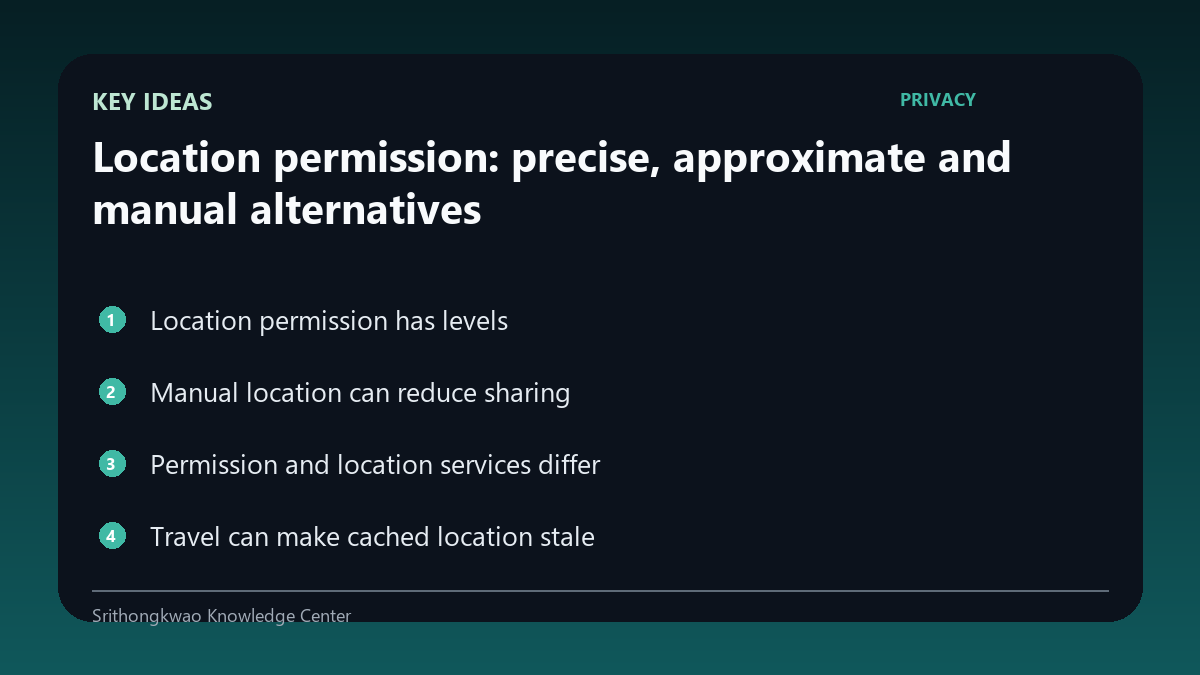
Manual location can reduce sharing
A weather product can often work from a typed city or selected place rather than live device coordinates.
Manual selection can be a useful privacy choice when street-level precision is unnecessary.
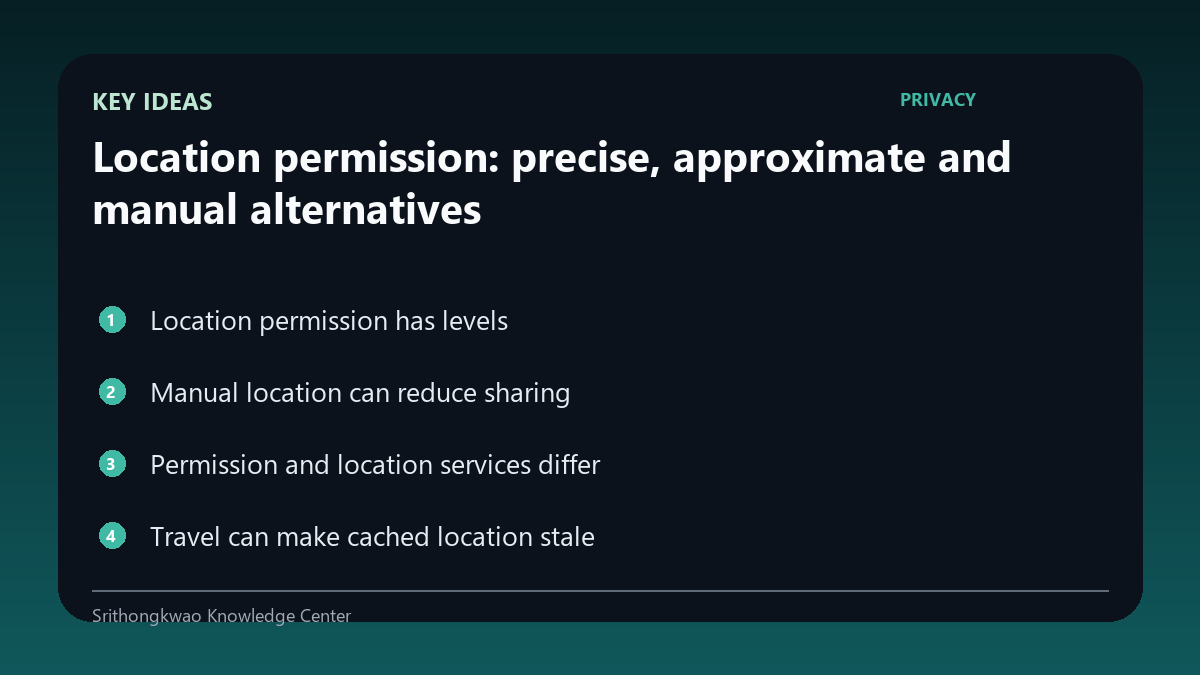
Permission and location services differ
An app may have permission while system location services are disabled, or the reverse.
Products should handle both states instead of treating every failure as denial.
Travel can make cached location stale
A previously selected or stored location may no longer represent where the user is.
Verify the displayed place after travelling rather than assuming the app always updates automatically.
Exact coordinates can be sensitive
Precise location can reveal home, work or travel patterns.
Logs and support evidence should avoid exact coordinates unless they are essential to diagnose the issue.
Common mistakes to avoid
- Treating approximate access as useless.
- Confusing permission with system location services.
- Sharing exact coordinates in support messages without need.
Practical checklist
- Choose appropriate precision.
- Use manual location if preferred.
- Check the displayed place.
- Review settings after travel.
- Minimize coordinates in logs.
Frequently asked questions
Do weather apps always need precise GPS?
No. Many use cases can work with approximate or manually selected location.
Can location stop working even if permission is allowed?
Yes. Device services, connectivity and system state can also affect location.
Why are exact coordinates sensitive?
They can reveal where a person lives, works or travels.