How to use this information: Daily cards are summaries is most useful when it is read with location, update time and the surrounding forecast rather than treated as an isolated number. For everyday planning, compare the current value with the next few hours. When safety is involved, confirm conditions with the responsible meteorological or public-safety authority.
What not to assume: A consumer forecast simplifies a changing atmosphere. Daily weather forecasts: highs, lows and summary conditions should support a decision, not create false precision about an exact street, exact minute or guaranteed outcome.
Daily cards are summaries
A daily card may show a high, low, condition label and rain information. Those values describe the general character of the day, not every moment from midnight to midnight.
Use the daily view to compare days and then open the hourly detail for the day you care about.
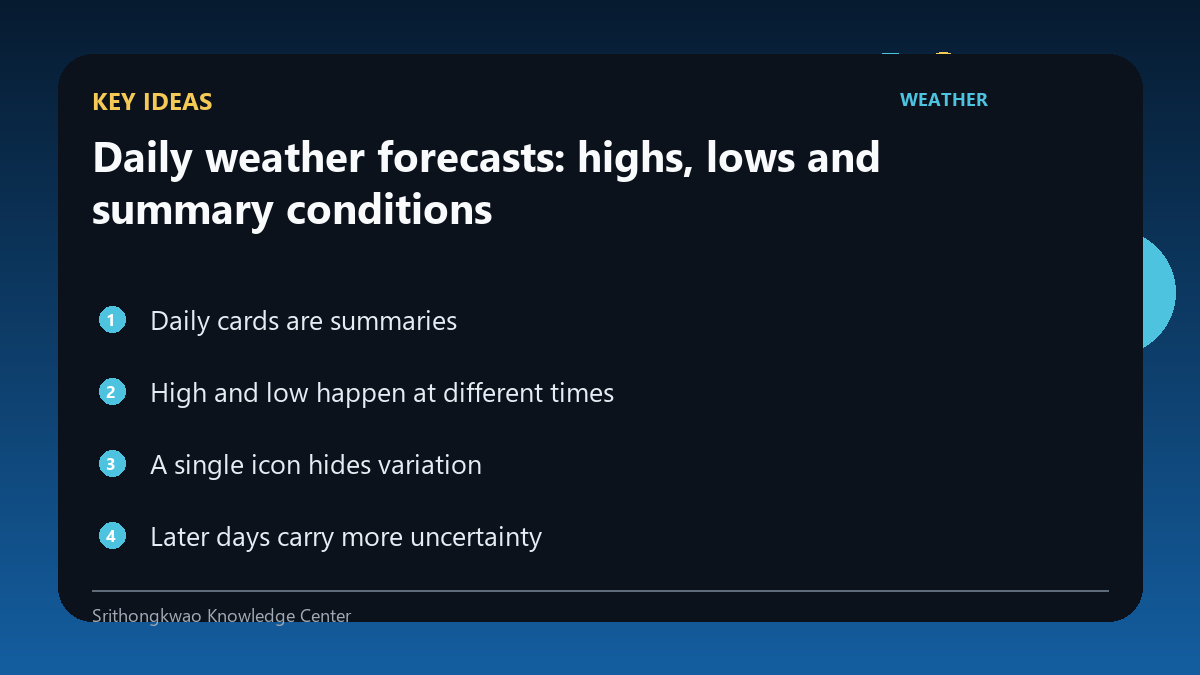
High and low happen at different times
The expected maximum and minimum temperatures occur at different parts of the day and can shift with cloud, rain, wind or passing air masses.
Do not apply the daily high to a morning appointment or the daily low to the entire night.
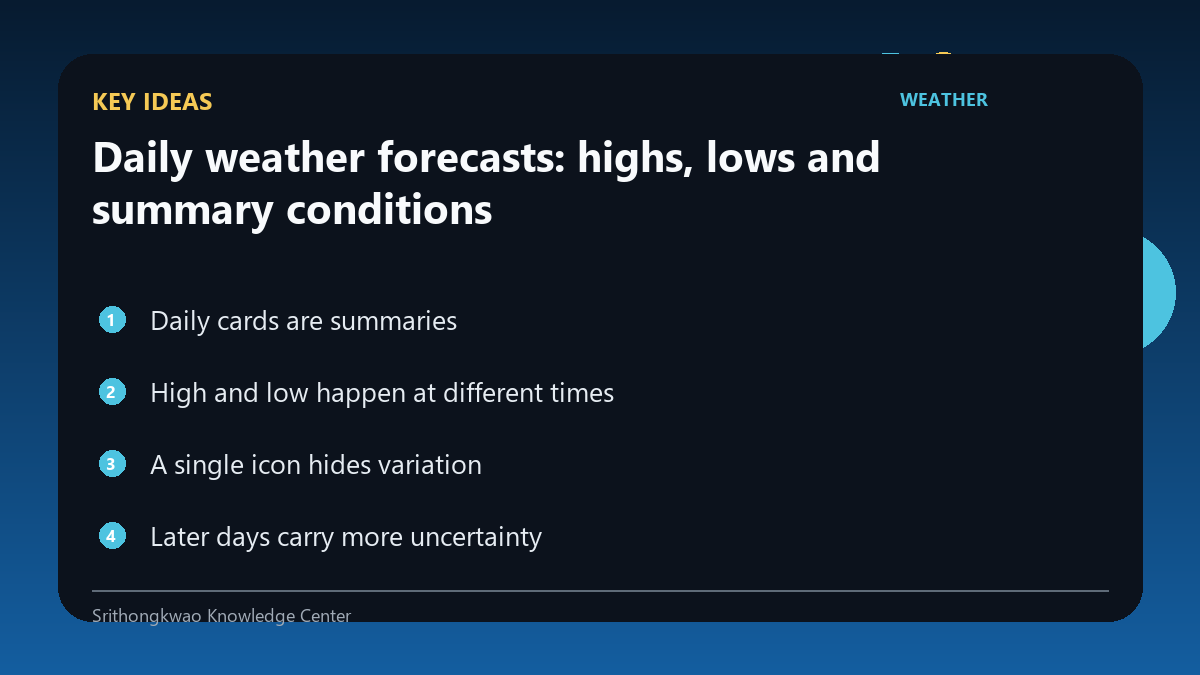
A single icon hides variation
A rainy icon can represent a day with several dry hours, while a mostly sunny icon can still coexist with a brief shower. The icon is a summary label.
When timing matters, inspect the hourly sequence and precipitation information.
Later days carry more uncertainty
The farther ahead a forecast extends, the more opportunity there is for the atmospheric pattern to evolve differently from the current prediction.
Use later days for broad planning and revisit them as the date approaches.
Look for multi-day patterns
The daily view is especially good for recognizing warming, cooling, prolonged wet periods or a transition to stronger wind.
Plan around the trend rather than overreacting to a one-degree difference several days away.
Common mistakes to avoid
- Assuming a rainy icon means continuous rain.
- Using the daily high for every hour.
- Treating a far-future daily card as fixed.
Practical checklist
- Compare several days.
- Open hourly detail.
- Check rain timing.
- Revisit later forecasts.
- Use warnings for severe weather.
Frequently asked questions
Can a rainy day have dry hours?
Yes. The daily icon summarizes the day rather than every hour.
When should I switch to hourly data?
Use hourly forecasts when the exact part of the day matters.
Why do later daily forecasts change?
Forecast uncertainty generally increases with lead time and new data can shift the expected pattern.