
Testing practice: For Explain the test purpose, define a reproducible starting state, perform one controlled change at a time and record the result. Good testing evidence helps another person repeat the same path without guessing what happened.
Evidence quality: A useful report separates observation from theory. Record version, device context, steps, expected result and actual result while removing passwords, authentication codes and unrelated personal information from evidence.
Explain the test purpose
Tell the tester what product or feature is being evaluated and what kind of feedback matters.
Avoid a vague message such as use the app and tell us anything.
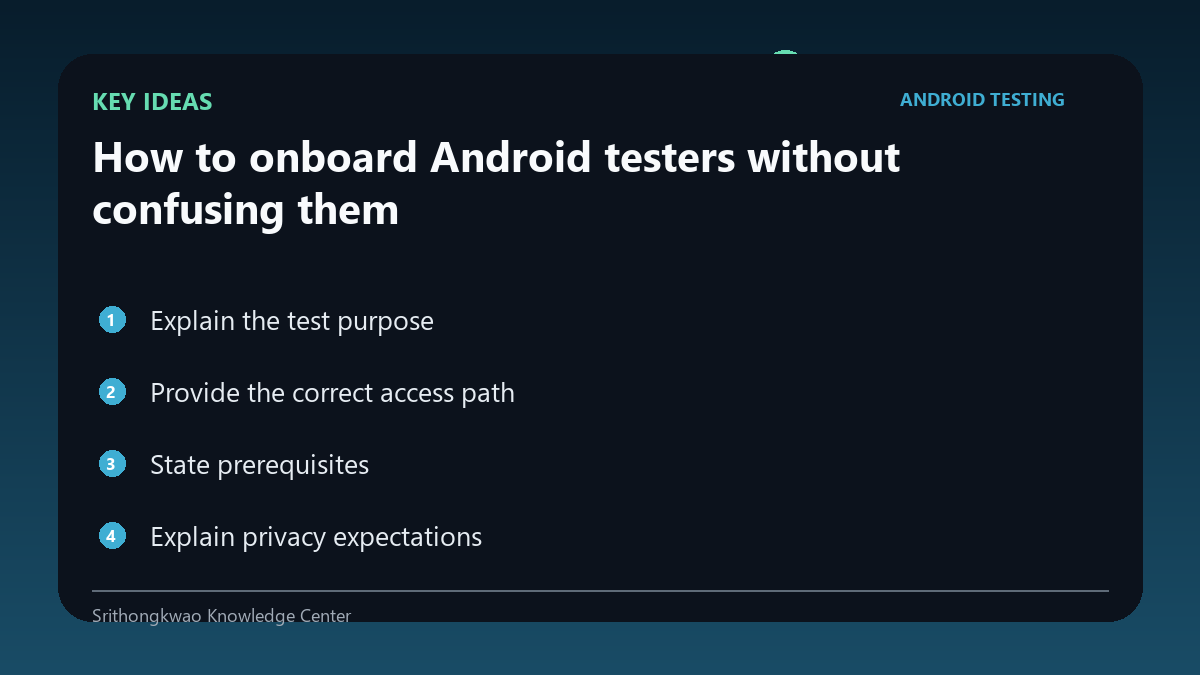
Provide the correct access path
Share the intended test link and identify the expected app name and developer.
This helps testers detect wrong links or account-access problems early.
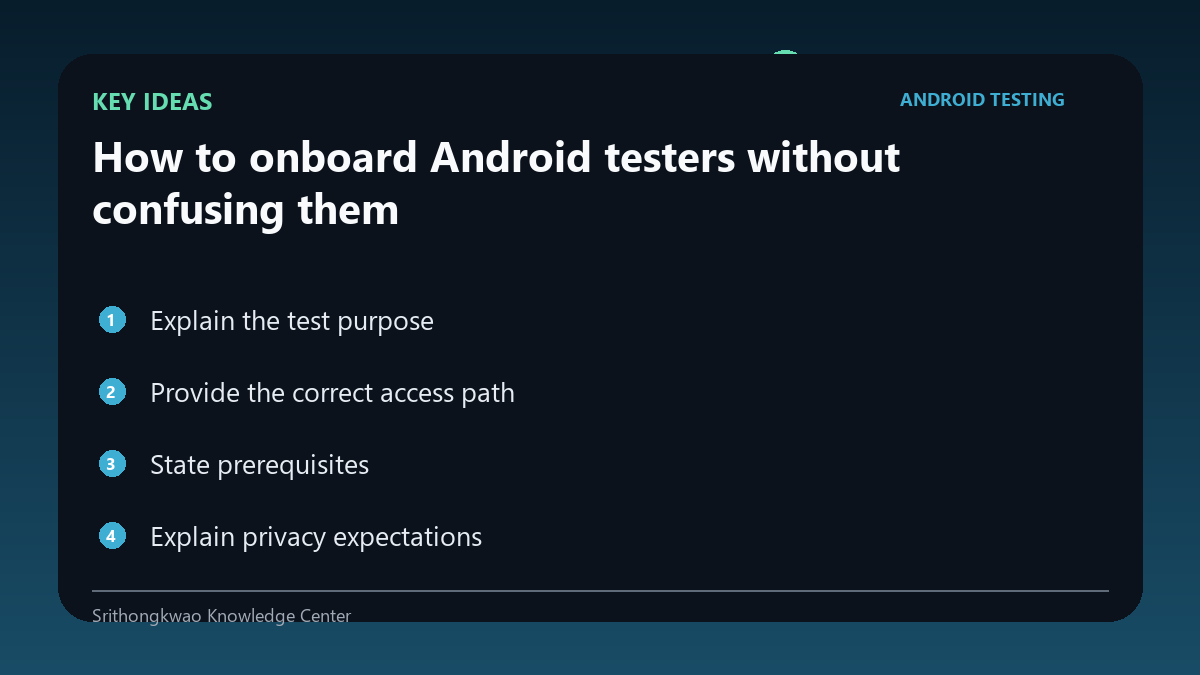
State prerequisites
Mention account requirements, supported Android versions, permissions or data the tester may need.
A prerequisite list prevents blocked sessions from being mistaken for app bugs.
Explain privacy expectations
Tell testers not to include passwords, one-time codes, payment details or unrelated private content in evidence.
Provide a redaction rule before screenshots are collected.
Give one feedback destination
Multiple forms and chats can scatter reports.
Use one primary route and include the minimum report fields.
Common mistakes to avoid
- Sending a link with no context.
- Hiding prerequisites.
- Collecting unredacted private screenshots.
Practical checklist
- State purpose.
- Verify app identity.
- List prerequisites.
- Explain privacy.
- Give one feedback route.
Frequently asked questions
Why identify the developer?
It helps testers confirm they are opening the intended app or test listing.
What if access fails?
Report the exact step and account state without sharing credentials.
Should testers send login codes?
No. Authentication secrets should never be part of test evidence.