
Testing practice: For Record the starting state, define a reproducible starting state, perform one controlled change at a time and record the result. Good testing evidence helps another person repeat the same path without guessing what happened.
Evidence quality: A useful report separates observation from theory. Record version, device context, steps, expected result and actual result while removing passwords, authentication codes and unrelated personal information from evidence.
Record the starting state
Note app version, sign-in state, relevant permission state and where the tester begins.
A bug that occurs after upgrade may not reproduce on a fresh install.
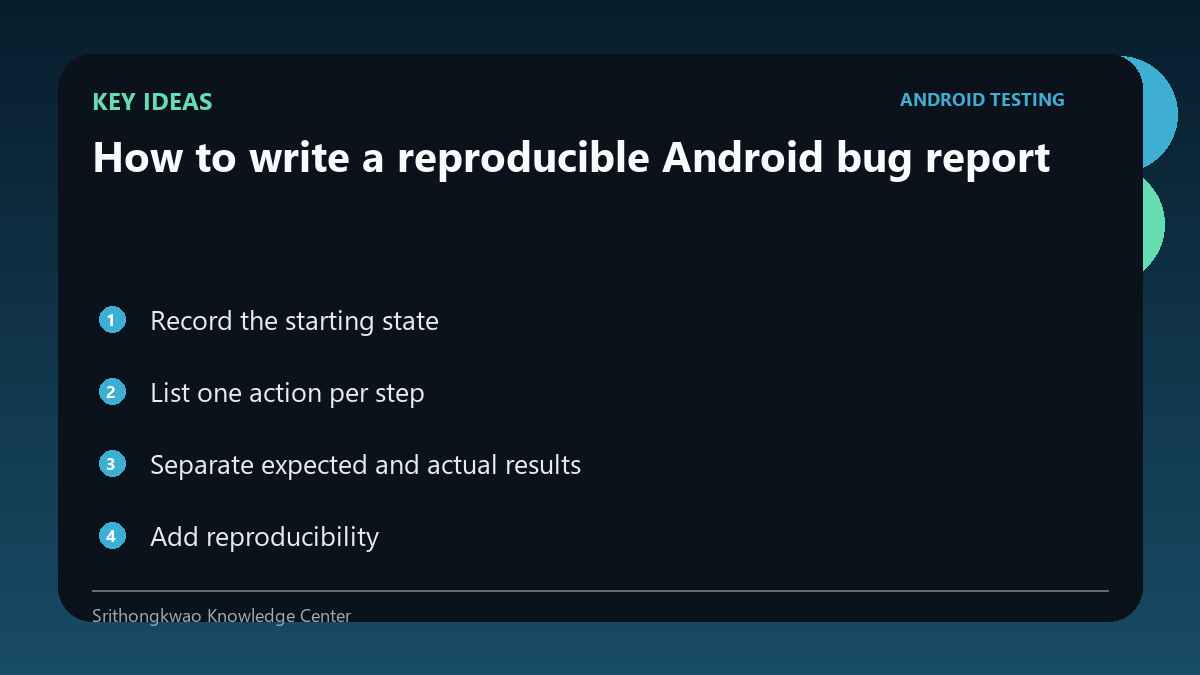
List one action per step
Short ordered steps make it easier to identify where behaviour diverges.
Avoid combining several taps and assumptions into one sentence.
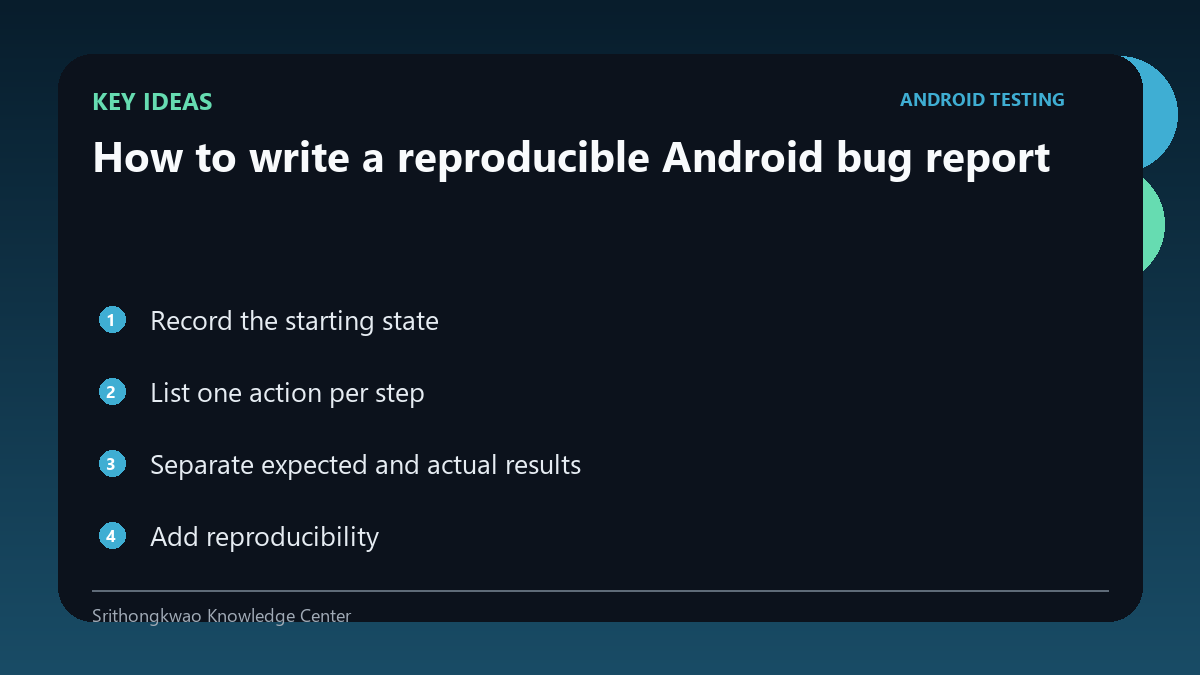
Separate expected and actual results
Expected explains what the tester believed should happen; actual describes what was observed.
Do not hide the symptom inside a theory about the technical cause.
Add reproducibility
State whether the problem happens every time, occasionally or only once.
Repeatability helps developers decide what evidence to gather next.
Attach safe evidence
Screenshots, recordings and logs can clarify timing or UI state.
Redact personal information and never include passwords or authentication tokens.
Common mistakes to avoid
- Writing only it does not work.
- Guessing the root cause instead of describing the symptom.
- Omitting app version.
Practical checklist
- Record version.
- List exact steps.
- Write expected result.
- Write actual result.
- State repeatability.
Frequently asked questions
Should I include my theory?
You can label it separately, but observations and reproduction steps come first.
What if it happened only once?
Report that clearly instead of claiming it always happens.
Why include version?
A bug may exist in one build and be fixed or changed in another.