
Testing practice: For Define the mission, define a reproducible starting state, perform one controlled change at a time and record the result. Good testing evidence helps another person repeat the same path without guessing what happened.
Evidence quality: A useful report separates observation from theory. Record version, device context, steps, expected result and actual result while removing passwords, authentication codes and unrelated personal information from evidence.
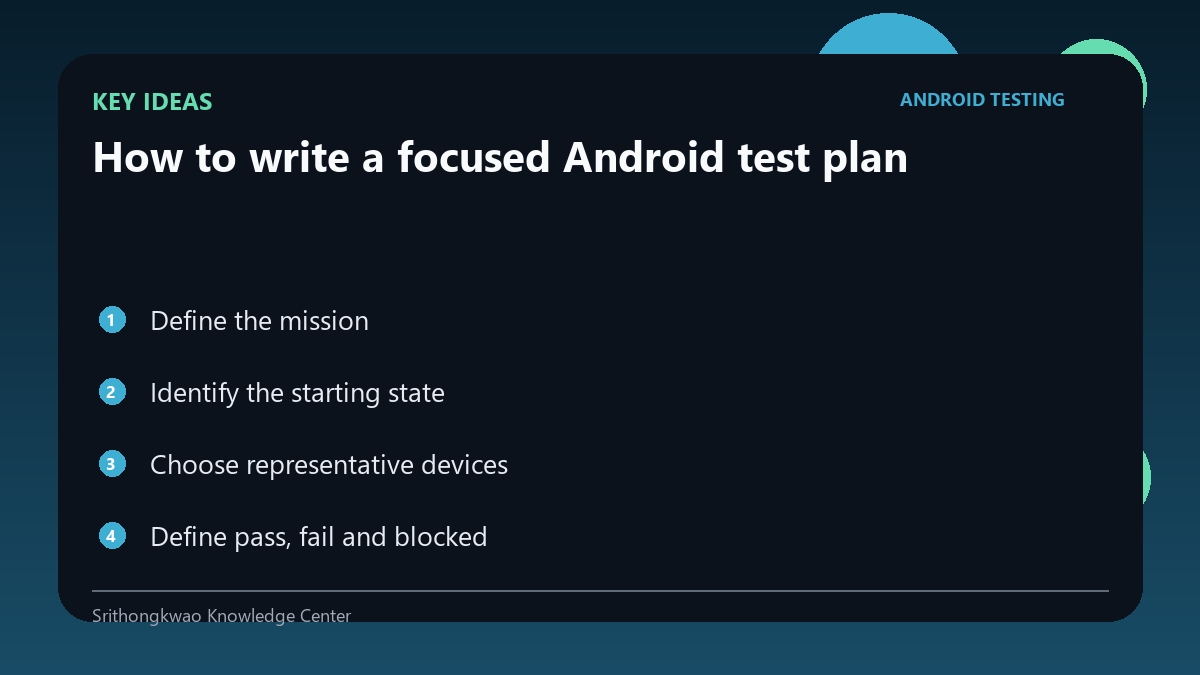
Define the mission
Start with the feature or workflow you want to learn about, such as onboarding, camera capture, language switching or recovery after network loss.
A narrow mission produces more useful evidence than asking someone to test everything.
Identify the starting state
State whether the app should be freshly installed, already signed in, upgraded from an earlier version or configured with specific permissions.
Starting conditions prevent two testers from unknowingly testing different scenarios.
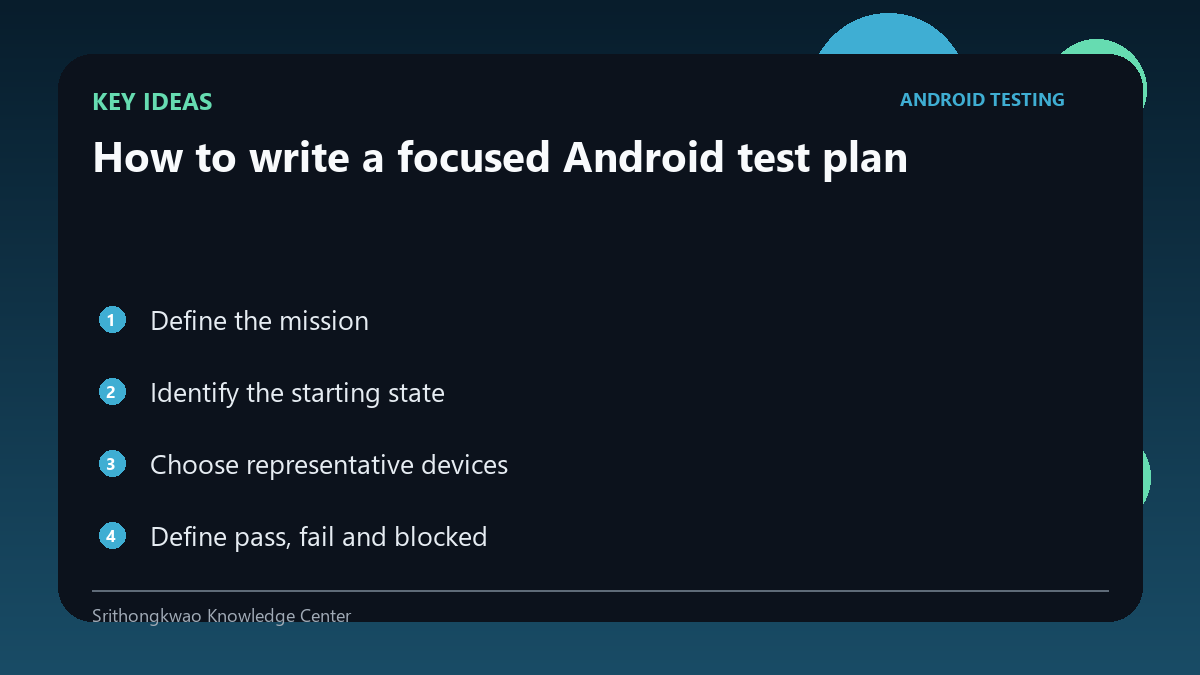
Choose representative devices
Device model, screen size, Android version and hardware capability can influence behaviour.
Select a small set that reflects real users and known technical risks rather than chasing every device on the market.
Define pass, fail and blocked
A pass meets the expected result, a fail produces a reproducible deviation and blocked means the test cannot reach the step for an external reason.
Clear outcomes stop incomplete work from being reported as successful.
Specify safe evidence
Decide whether the tester should return text steps, screenshots, logs or screen recording.
Tell testers to remove passwords, verification codes and unrelated personal information before sharing evidence.
Common mistakes to avoid
- Testing the whole app without scope.
- Leaving the starting state undefined.
- Collecting screenshots that expose secrets.
Practical checklist
- Name the feature.
- Define starting state.
- Choose devices.
- State expected result.
- Define safe evidence.
Frequently asked questions
How long should a test plan be?
Long enough to remove ambiguity; many focused tests can fit on one page.
Should every device be tested?
No. Use a representative matrix based on users and risk.
What does blocked mean?
The intended test could not proceed because a prerequisite or external dependency prevented it.